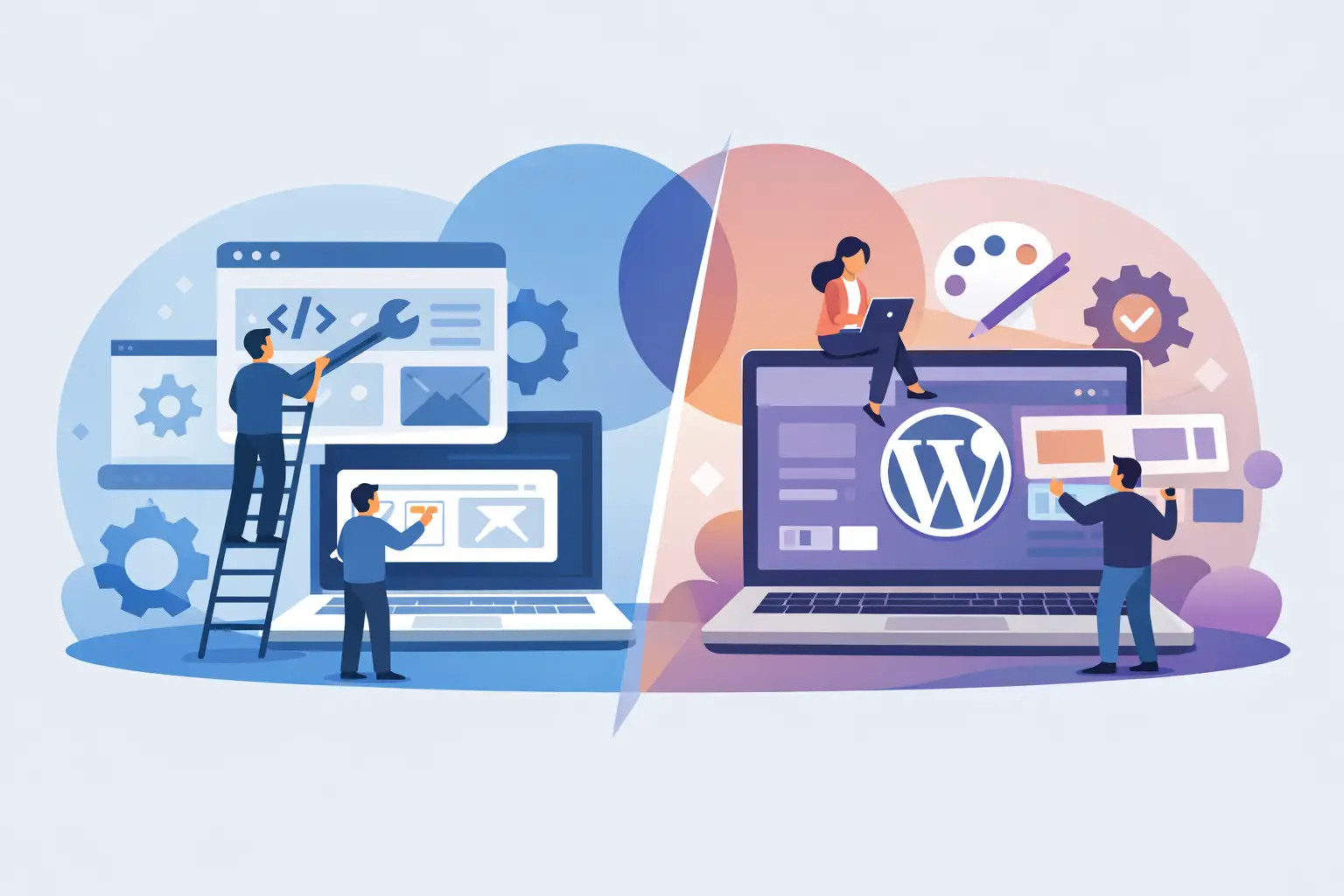
A website that only needs to explain what you do has very different requirements from a product that needs customer accounts, subscriptions, live data and internal workflows. The custom build vs WordPress decision is not really about which platform is better. It is about choosing the right level of flexibility, ownership and investment for the job in front of you.
For many small businesses, WordPress is a sensible way to launch quickly. For startups, SaaS operators and businesses with a process to improve, a custom build can prevent expensive compromises later. The strongest choice comes from being clear about what the site needs to do now and what it is likely to need next.
When WordPress is the right choice
WordPress is a content management system built around publishing. It works well when your team needs to update pages, post news, manage case studies or maintain a service-led website without relying on a developer for every change.
A well-built WordPress site is not automatically a cheap-looking template site. With considered design, a focused theme and sensible use of custom fields, it can give a local service business, consultant, agency or growing company a polished marketing presence. It can also handle common needs such as contact forms, newsletters, basic ecommerce, landing pages and search-friendly content.
The main advantage is speed to market. Much of the underlying content management is already there, so budget can go into the visual direction, page structure and the specific features your business actually needs. It is often the practical choice when the goal is to replace an outdated brochure website, establish credibility and make it easier for prospective customers to get in touch.
WordPress also gives non-technical teams familiar editing tools. A marketing manager can publish a new article or update a team profile without opening a codebase. That matters when content changes regularly and turnaround time affects sales activity.
The limitation is that WordPress works best when the website remains broadly within its intended shape. Once a project relies on several plugins, unusual data relationships or business-critical automation, the apparent convenience can start to disappear.
Where WordPress can become costly
Plugins solve many common problems, but each one adds code, updates, compatibility considerations and another dependency. A booking system, membership area, ecommerce extension, form builder, SEO plugin, cookie tool and page builder may all be reasonable in isolation. Together, they can make a site harder to maintain and diagnose.
This does not mean plugins are inherently bad. The issue is whether they are supporting the website or quietly defining how your business has to operate. If a key workflow depends on a plugin's limitations, pricing changes or future support, you have less control over an important part of the operation.
Performance can also suffer when a site is assembled from a heavy theme and numerous general-purpose tools. Caching, image optimisation and good hosting help, but they cannot always compensate for unnecessary front-end code or poorly configured integrations. A slow website can affect enquiries, paid campaign performance and search visibility.
Security and maintenance need proper attention too. WordPress core, themes and plugins should be kept current, with backups, monitoring and a clear plan for testing updates. For a straightforward company website, that ongoing work is manageable. For a revenue-generating platform or a portal handling customer data, it deserves more deliberate engineering.
Custom build vs WordPress: the practical difference
A custom build starts with the workflow, not the available plugin. The interface, database structure, permissions and integrations are designed around the way your business works. That might mean a customer portal connected to Stripe, a dashboard that pulls data from Google APIs, a browser extension backed by a web app, or an internal tool that replaces repetitive spreadsheet work.
Instead of adapting your process to a pre-existing system, the product is shaped around the process. You decide what data is collected, who can see it, what happens after a customer pays and which tasks should be automated. This is particularly useful when the website is not simply marketing the business but actively delivering the service.
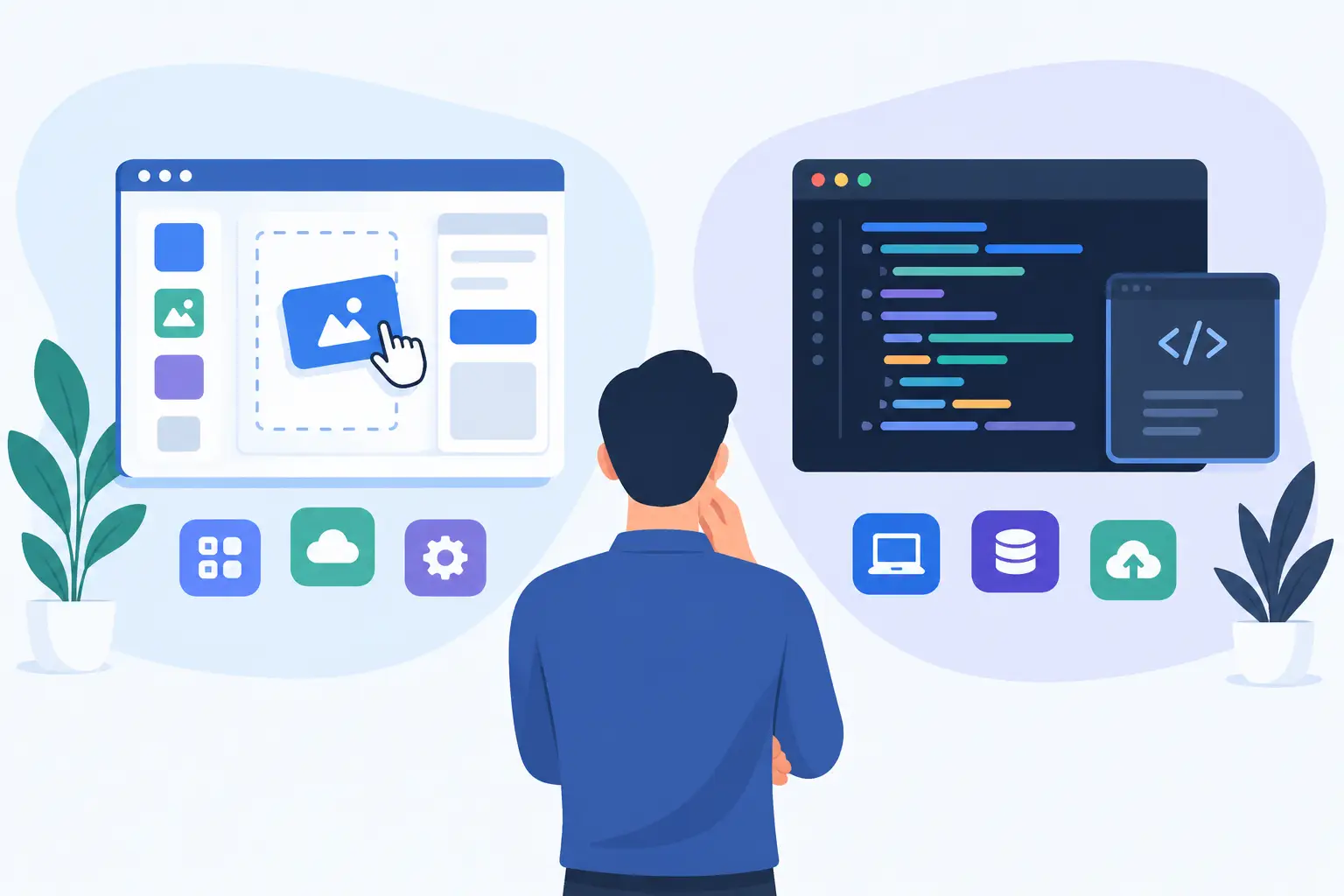
Custom development also gives more freedom in the technical architecture. A modern application might use a purpose-built front end, Supabase for authentication and data, Stripe for subscriptions, and a tailored admin area for operations. The exact stack should follow the needs of the project, not the other way around, but the point is that every part can be selected for a clear reason.
That control usually produces a cleaner user experience. Customers are not pushed through generic checkout, account or form flows designed for thousands of unrelated businesses. Internal users are not faced with settings they do not need. The result can be faster, easier to use and more aligned with your brand.
The trade-off is upfront cost and planning. A custom build requires proper discovery before development begins. Features need defining, edge cases need considering and priorities need agreeing. You are paying for design and engineering decisions rather than installing a ready-made feature.
The cost question is bigger than the quote
WordPress usually has the lower initial price for a conventional site. That can make it the right commercial decision, especially if the site needs to generate leads rather than run a complicated service.
A custom build has a higher starting point because the foundations are being created specifically for you. However, it can offer better value when it removes manual work, supports a new revenue stream or reduces the need for several separate tools. If a portal saves a team ten hours each week, or a subscription product gives customers a reason to stay, the return is not measured by the build cost alone.
It is also worth considering the cost of change. A small adjustment on a carefully structured custom app can be straightforward because the logic is understood and owned. On a heavily modified WordPress installation, a seemingly minor change may affect a plugin, theme override or third-party integration in unexpected ways.
Neither route is maintenance-free. Custom software needs ongoing support for hosting, dependencies, security, performance and feature improvements. The difference is that maintenance can be planned around a focused codebase rather than a broad collection of third-party components.
Choose based on the business problem
WordPress is often a good fit if your priority is a high-quality marketing site with editable pages, clear service information and a reliable enquiry route. It is especially effective where the content itself is the main asset: articles, guides, project work, team pages and location pages.
Custom development is usually the better fit when your requirements include unique user roles, account areas, subscriptions, complex forms, workflow automation, live dashboards, API connections or bespoke data. It is also the right conversation to have when you are building a SaaS product, a browser extension or an internal platform that employees will rely on every day.
There is a middle ground. A business may use WordPress for its public-facing website while running a separate custom application for customers or staff. This can keep content publishing simple without forcing product functionality into a CMS that was not designed for it. The systems can still share a consistent visual identity and pass data between each other where needed.
Avoid building for an imagined future
The most common mistake is choosing custom development because it sounds more advanced, then paying for features nobody uses. The opposite mistake is choosing WordPress solely because it is familiar, then trying to turn it into a product platform through increasingly complex workarounds.
Start with the actions that matter. What should a visitor be able to do? What is currently manual? Where do leads, payments or customer information get lost? Which part of the business would benefit from a better tool rather than another page?
A clear brief does not need technical language. It needs honest priorities. For example, “customers need to upload documents, see project progress and pay invoices” is far more useful than asking for a portal because competitors have one. From there, the right delivery approach becomes easier to assess.
The best platform is the one that gives your business enough room to operate well without creating unnecessary complexity. Build the site you need to run now, leave a sensible path for growth, and make sure somebody is accountable for keeping it working after launch.