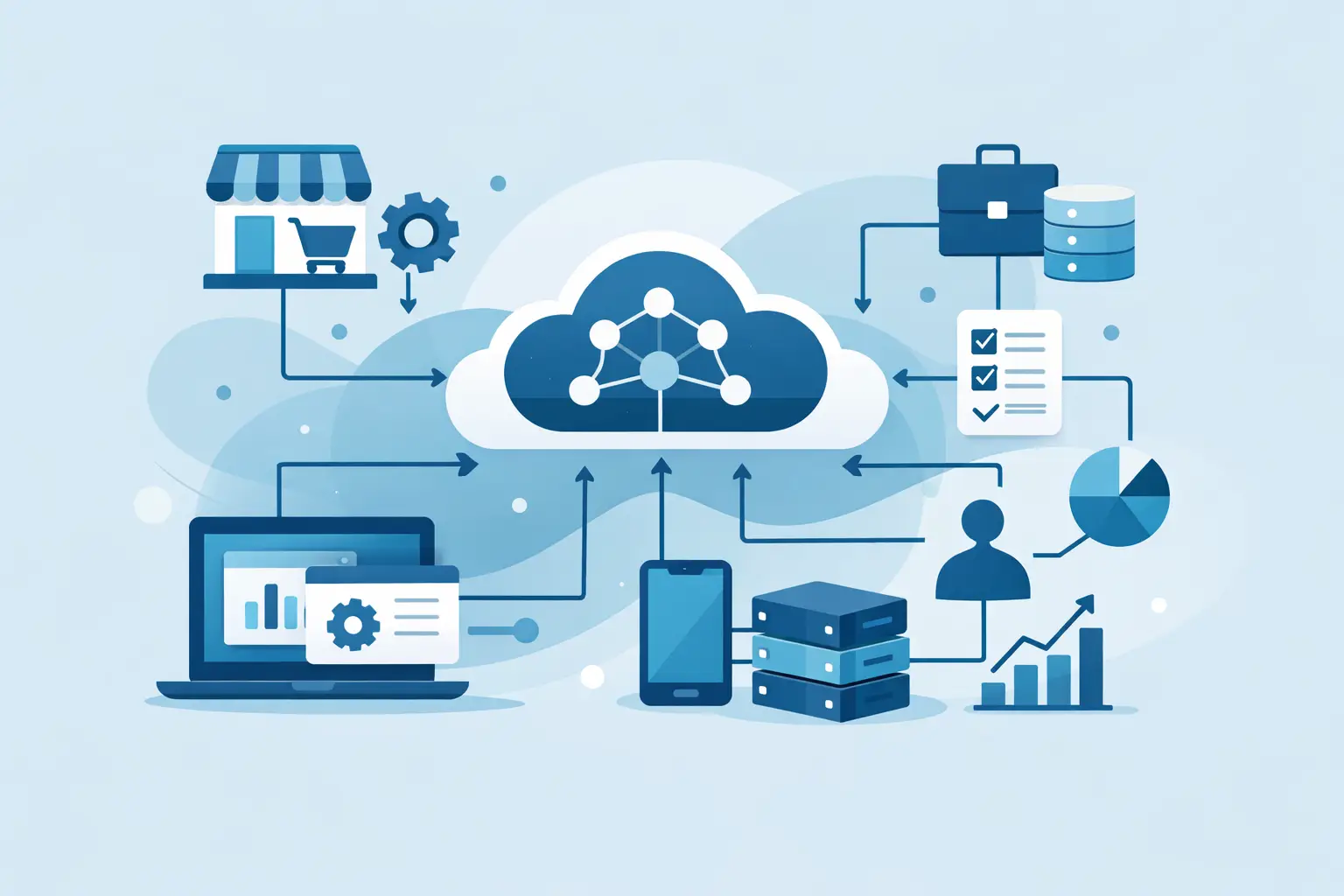
A customer pays an invoice, but someone still has to update a spreadsheet, notify the delivery team and create an account manually. That gap is where API integration for business systems earns its keep. Done properly, it turns disconnected software into a workflow that moves information where it needs to go, when it needs to go there.
For a small business, that might mean passing website enquiries into a CRM. For a SaaS product, it could mean syncing Stripe subscriptions with account access. For a growing operations team, it may be an internal dashboard that pulls orders, support data and reporting into one useful place. The point is not to connect tools for the sake of it. It is to remove repeated work, reduce mistakes and give people clearer information to act on.
What API integration for business systems actually means
An API is a defined way for one piece of software to request data from, or send data to, another. Rather than exporting a CSV file every Friday or asking a team member to copy records between platforms, an integration handles the exchange automatically.
A practical example is an online service business using a website form, a CRM and accounting software. When a prospective client submits an enquiry, the website can create a contact in the CRM, tag the source of the lead and alert the right person. Once work is agreed, the same customer record can be used to create an invoice or trigger onboarding tasks.
The best integrations are not always the biggest. A focused connection that removes ten minutes of admin from every enquiry can matter more than an ambitious project nobody uses. The right scope depends on transaction volume, the cost of errors and how much of a process genuinely needs to be automated.
Start with the process, not the platform
It is tempting to begin with the names of the tools: Stripe, HubSpot, Google Workspace, Supabase, Xero or a booking system. They matter, but the real work starts with the business process.
First, identify the event that should start the workflow. It may be a form submission, new order, successful payment, support request, booking cancellation or change to a client record. Then define what should happen next, who needs to see it and what data they need. This creates a clear specification before any development begins.
For example, a paid membership product may need to create a user account after payment, assign the correct subscription level, send a welcome email and record the transaction for reporting. There are several systems involved, but the customer sees one simple outcome: they pay and gain access.
Mapping the process also reveals where automation is not appropriate. A high-value sales enquiry may need a human review before it is added to a pipeline. A refund may require approval rather than immediately removing access. Good system design leaves room for judgement where judgement protects revenue, customer experience or compliance.
Choose the right way to connect your tools
There is no single best integration approach. A no-code automation platform can be a sensible option for a straightforward internal workflow with low risk. It is quick to configure and can be easy for a non-technical team member to understand.
Custom API development is often a better fit when the workflow is central to your service, involves customer data, needs a tailored interface or must cope with more complex logic. A custom build can validate data properly, control what happens when an external service is unavailable and avoid the monthly costs or limitations of multiple automation subscriptions.
A browser extension can also be the right layer for some workflows. If a team works inside a third-party web platform all day, an extension can place useful actions and data directly in that environment. It might pull relevant account information into view, assist with repetitive form filling or send structured data to an internal system without forcing users to switch tabs constantly.
The decision is usually about ownership and risk. A marketing notification can tolerate a slight delay. Subscription access, payment records and customer permissions cannot. The more important the workflow, the more care it needs around architecture, monitoring and recovery.
Build around reliable data, not happy-path demos
An integration can look finished when it works once. Production use is different. APIs can return incomplete data, rate-limit requests, change their fields or be temporarily unavailable. Customers can submit a form twice. A payment event can be delivered more than once. These are ordinary conditions, not unusual edge cases.
A production-grade integration needs clear rules for handling them. Each system should have an agreed source of truth for key records such as customers, orders and subscription status. If both systems can edit the same information, decide which update wins and how conflicts are surfaced.
Duplicate handling matters too. Where a payment provider sends the same event twice, the system should recognise it and avoid creating two accounts or issuing two fulfilment requests. For longer-running processes, it is useful to store a record of what happened, when it happened and whether the next action succeeded.
This is where a custom dashboard or internal tool can be valuable. Instead of relying on a hidden chain of automations, your team can see failed jobs, retry a specific action and understand a customer’s status without searching across five platforms.
Security needs to be part of the build
Integrations often handle contact details, payment information, private files or account permissions. API keys and access tokens should never be exposed in browser code or stored carelessly. They belong in secure server-side environment settings, with access limited to what the integration actually needs.
It is also worth thinking about permissions at the workflow level. An integration may be allowed to create CRM contacts but not delete them. An internal dashboard might show basic customer details to support staff while restricting financial information to authorised users. These decisions are easier to make early than after sensitive data has spread across tools.
For businesses handling personal data, the integration should support sensible retention and deletion processes too. Automation does not remove responsibility for the data moving through it.
Use webhooks when timing matters
Many business systems offer two broad ways to exchange information. Polling checks an API at intervals to see whether something has changed. Webhooks send a notification when an event occurs.
Polling can be acceptable for a daily report or a background stock check. It is simpler in some cases, but it can create unnecessary requests and delays. Webhooks are usually more suitable for events where speed matters, such as a successful payment, new lead or cancelled subscription.
A Stripe payment webhook, for instance, can notify your application immediately after a payment is confirmed. Your system can then update subscription access and store the result. The webhook should still be verified and processed carefully, because the message itself is an instruction from an external service.
The useful question is not whether webhooks are more technical. It is whether a delay would create a poor customer experience or extra work for your team.
Measure the business result after launch
A successful integration should make a measurable difference. That might be fewer manual updates, quicker lead response times, fewer billing queries, fewer duplicate records or faster reporting. Establish a baseline before launch where possible, even if it is simply an estimate of weekly admin time.
Monitoring should continue after the first release. Check error logs, review failed syncs and listen to the people who use the workflow every day. Their feedback often exposes the final ten per cent of friction: a missing field, an unclear status or a useful alert that arrives too late.
There is also a trade-off between automation and visibility. A fully automatic process may save time, but teams still need confidence that it is working. Simple status pages, activity logs and sensible notifications make an integration easier to trust and support.
When a custom build is worth it
Custom work is most valuable when off-the-shelf tools force you to change a process that already works well, or when your business has a specific advantage worth protecting. This could be a tailored onboarding flow, a client portal, an operations dashboard or a browser-based tool that helps staff complete specialist tasks accurately.
It is also worth considering when several small automations have become difficult to manage. A collection of separate tools can be useful at first, then slowly become fragile as the business grows. Consolidating the critical parts into a properly designed web app or service can reduce recurring costs and make future changes easier.
At Zak Furness, integrations are planned as part of the wider product build: the interface people use, the data moving behind it and the practical support needed to get it live. That means a customer portal, internal tool or SaaS product can be designed around the real workflow from the outset, rather than patched together after launch.
The best first integration is rarely the flashiest one. Choose the point where information is being copied most often, mistakes cost the most, or a customer is waiting unnecessarily. Fix that with care, then build from a cleaner foundation.