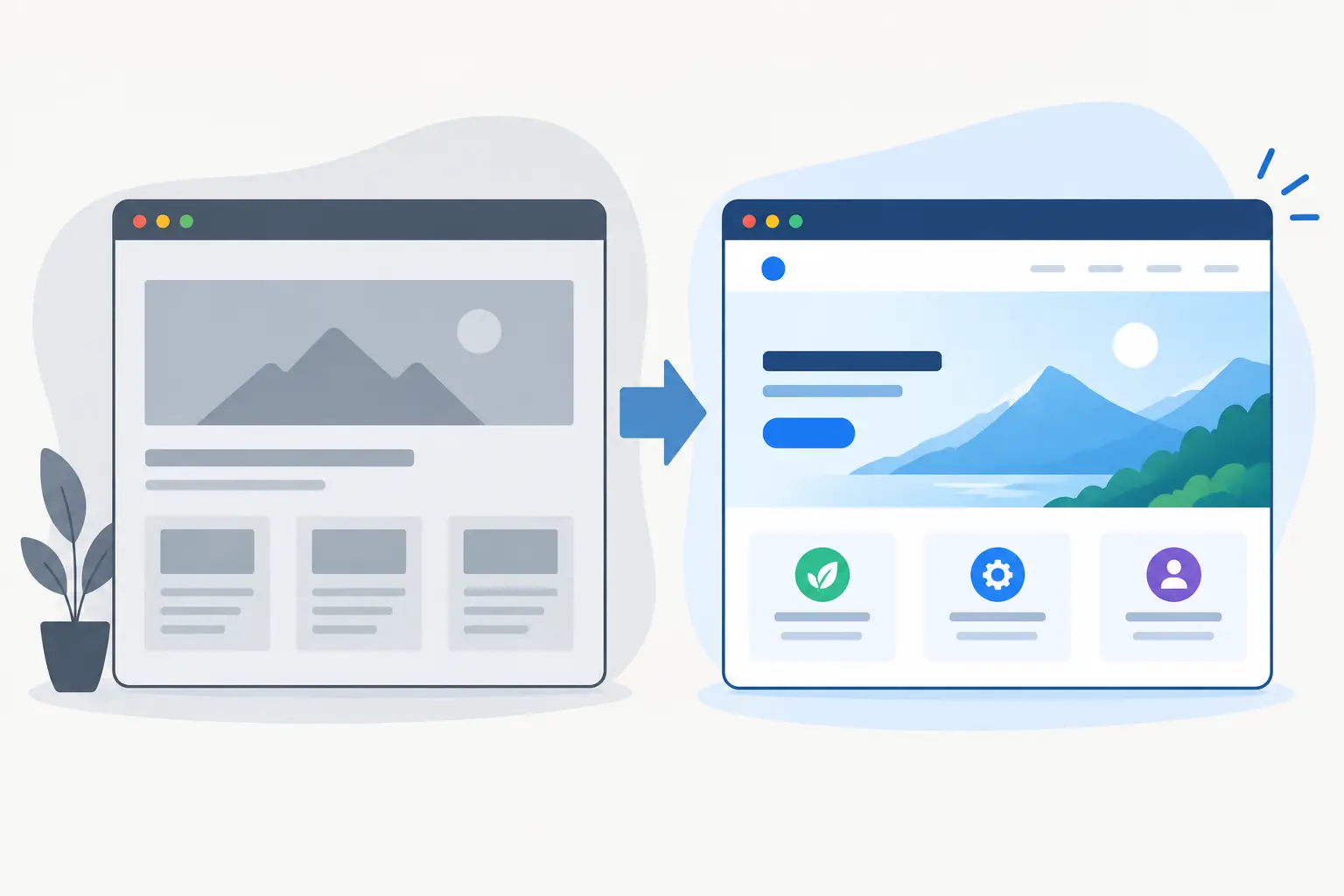
A website project can lose momentum before the first screen is designed. The usual cause is not a lack of ideas - it is a vague brief that leaves decisions about audience, content, functionality and priorities until halfway through the build. Knowing how to brief a web designer gives your project a clearer route from first conversation to launch.
A good brief does not need to be a 30-page document. For a small business website, it may be a focused page or two plus your existing materials. For a SaaS product, customer portal or browser extension, it will need more detail. In both cases, the goal is the same: give your designer enough context to make sound decisions, flag risks early and build the right thing.
Start with the business problem, not the homepage
“ We need a new website” is a useful starting point, but it is not yet a brief. Explain what is not working now and what needs to change.
Perhaps your current site looks dated and does not reflect the quality of your service. Perhaps visitors are not enquiring because the offer is unclear. Maybe staff are manually copying information between systems, and you need an internal dashboard instead of another marketing page. A startup may need to validate a product idea, take payments through Stripe and give customers a secure account area.
State the practical outcome you want. For example: generate qualified local enquiries, explain a complex service more clearly, reduce admin time, sell a subscription, or give clients access to project information. This helps shape the structure, calls to action and technical approach.
It also prevents a common mistake: judging a project only on whether it looks good. Visual quality matters, but a polished site that attracts the wrong leads or makes a key workflow harder has missed the point.
Define who the website is for
Design decisions become much easier when the audience is specific. “Everyone” usually means no one in particular.
Describe the people who will use the site. Include what they are trying to achieve, what they may be worried about and what they need before they can take action. A homeowner looking for a local service needs reassurance, clear pricing cues and a simple route to enquire. A SaaS buyer may need to understand integrations, security, user roles and billing before booking a demo.
If you serve different audiences, say which matters most. A site aimed equally at customers, investors, job applicants and suppliers can become crowded quickly. There may be a case for separate landing pages or user journeys, but that decision should be deliberate.
Share anything you know from real customers: recurring questions, sales objections, enquiry quality, feedback from calls and the terms people use to describe their problem. This is often more valuable than generic competitor research.
Explain the scope and what success looks like
A designer needs to know what is included, but also what can wait. Separate your essential requirements from useful future ideas.
For a brochure website, the essentials might be a home page, service pages, case studies, an about page, contact forms and analytics. A more involved build could include authentication, Stripe subscriptions, a Supabase database, automated emails, Google API integrations, an admin area or a Chrome, Edge and Firefox extension.
Be clear about the actions users should take. These might include calling, submitting an enquiry, booking a consultation, buying a product, creating an account or installing an extension. If there is one action that matters more than the rest, say so. It should influence page hierarchy and interface design from the outset.
Success measures should be realistic and relevant. You may want more qualified enquiries, a shorter onboarding process, fewer manual tasks, better conversion from paid traffic or a faster route for staff to find information. The designer cannot promise a sales figure in isolation, but they can build towards a measurable outcome.
Give your web designer the right source material
The fastest projects are not necessarily the ones with the fewest pages. They are the ones where decisions and materials arrive on time.
Provide your logo files, brand guidelines, photography, product screenshots, copy, testimonials and any existing campaign materials. If your content is unfinished, be honest about it. A designer can allow for content production or work with sensible placeholders during early design, but the final site cannot go live properly without final text, imagery and legal information.
For an established business, include access to your current website, domain and hosting details where available. For a new venture, share pitch decks, product notes, prototypes and anything that explains the offer. If you have a preferred tone of voice, provide examples of writing that feel right.
Competitor examples can help, provided you explain why you are sharing them. “I like this site” is open to interpretation. “Their navigation makes a complicated service easy to understand” is useful direction. The aim is not to copy another business, but to identify patterns worth considering and gaps you can improve on.
How to brief a web designer on visual direction
You do not need to prescribe every font, margin and button style. That is the designer’s job. You do need to communicate how the finished product should feel and where it needs to sit in the market.
Use a few clear references. Mention whether you want the site to feel established, technical, premium, friendly, direct, minimal or editorial. Point out details you respond to, such as confident typography, generous spacing, practical navigation or product-led visuals.
Equally, say what you want to avoid. If your market is full of generic stock imagery and interchangeable claims, a more distinctive visual approach may be part of the brief. If you work in a regulated or trust-sensitive sector, clarity may matter more than visual novelty.
There are trade-offs. A highly bespoke visual system can make a brand memorable, but it takes longer to design and build than a straightforward marketing site. Animation can add character when it supports the message, but excessive motion can slow pages down or distract from the call to action. Good direction gives the designer room to make these calls with your goals in mind.
Surface technical requirements early
Technical requirements are easy to forget because they are not always visible in a mock-up. They can have a major effect on project scope, cost and timing.
Tell your designer about every system the website must connect to. This could include a CRM, mailing platform, booking system, payment provider, analytics setup, inventory feed, membership tool or internal database. Mention existing accounts, API access, data that needs to move between platforms and any manual process you want to automate.
Also clarify practical requirements around hosting, domains, email, user permissions, privacy, cookie consent and analytics. If you need the site to be editable by your team, explain who will update it and how often. A content-managed site is useful when pages and articles change regularly; for a focused campaign page that rarely changes, a simpler build may be a better fit.
For web apps and SaaS products, describe user types and permissions. What can an administrator do that a customer cannot? What happens when a subscription fails? Which notifications are required? Thinking through these scenarios early avoids costly changes once the core architecture is in place.
Set a realistic budget, timeline and approval process
A budget range is more useful than no budget at all. It lets your designer recommend an approach that fits the commercial reality, whether that means a lean first release, a phased build or a broader custom project.
Be open about deadlines and why they matter. A launch tied to an event, funding milestone or campaign has different constraints from a site that simply needs improving. If the date is fixed, you may need to reduce scope, supply content earlier or leave non-essential features for a second phase.
Name the people involved in approving work. Too many decision-makers can slow progress, especially when feedback conflicts. Ideally, one person gathers input and provides a clear decision. Agree how feedback will be given, when reviews happen and what counts as approval at each stage.
Ask for a process, not just a price
A useful proposal should explain more than the final figure. It should show what will be designed and built, what you need to provide, the project stages, payment points, assumptions and post-launch support.
Ask how discovery, design, development, testing and go-live will be handled. Find out how revisions work, who owns the completed work, what training is included and how defects are dealt with after launch. For custom builds, ask how deployment, backups, caching, monitoring and ongoing changes will be managed.
The cheapest quote is not always the lowest-cost choice. A rushed build with unclear ownership, missing integrations or no launch support can create more work later. On the other hand, not every project needs a large custom platform. The right level of build depends on your goals, workflow and plans for growth.
A clear brief is not about having every answer before you speak to a designer. It is about bringing the useful facts to the table, being honest about unknowns and making decisions when they matter. That gives the right freelance partner room to apply design judgement and technical experience - and gives your project a much better chance of shipping cleanly, on time and built with care.