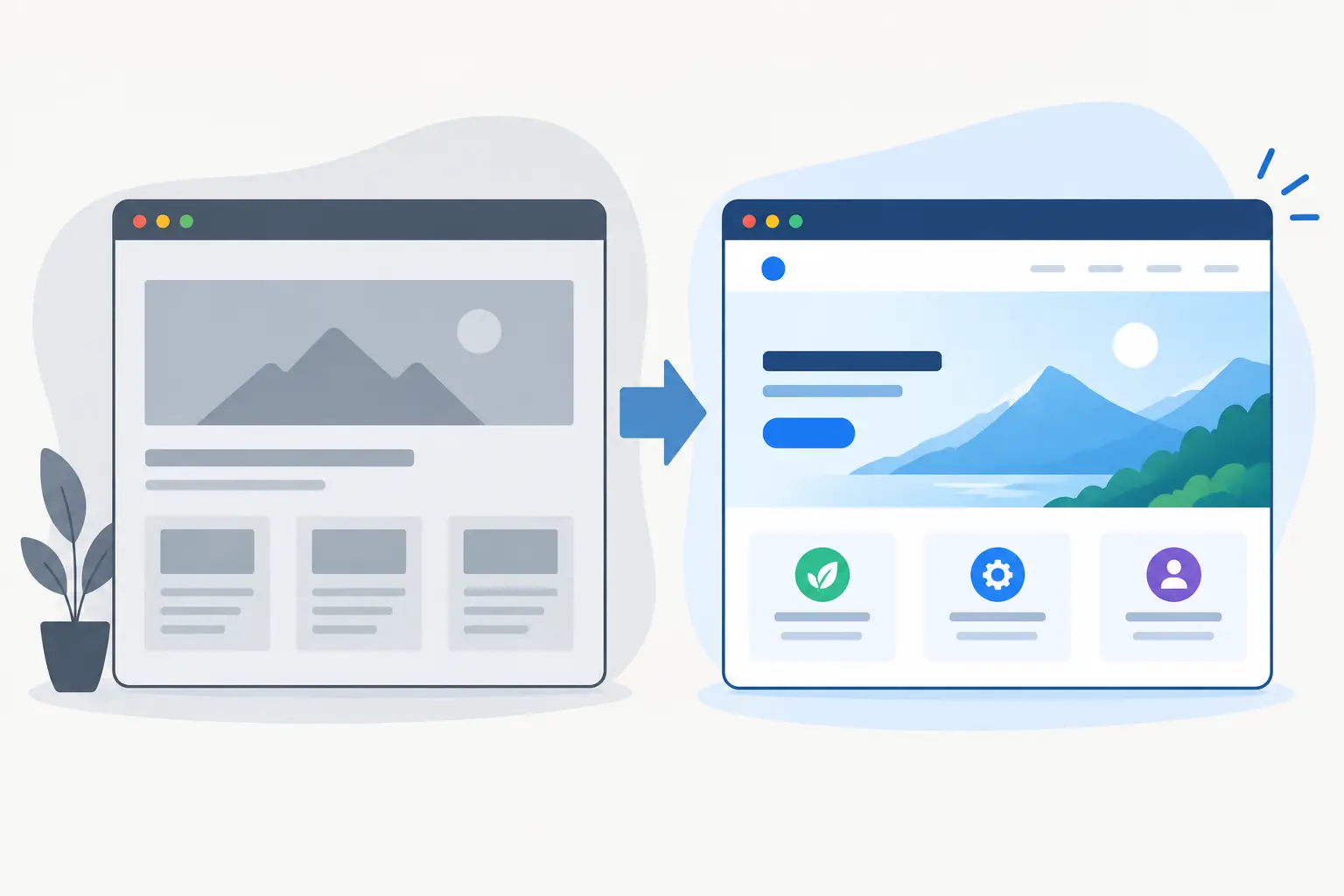
A website can look finished in staging and still fail the first real customer. A contact form may be sending nowhere, an old URL may return a dead end, or a payment webhook may be waiting for a test key. This guide to website go live is for the point where design and development give way to a live service people can actually use.
For a brochure site, go-live might be a focused half-day of checks. For a SaaS product, customer portal or paid web app, it can involve DNS, authentication, Stripe, database permissions, transactional emails and a controlled rollout. The goal is the same: ship with care, know what has changed, and have a clear route back if something goes wrong.
Start with a launch plan, not a publish button
The biggest avoidable launch problem is treating deployment as a single action. It is better to agree what is going live, who is responsible for each decision, and what success looks like in the first few hours.
Set a launch window when the people needed to make decisions are available. A quiet period is often sensible for a small business website, but a product used across time zones may need monitoring outside normal UK working hours. If a campaign, printed material or social post depends on the new site, make sure the launch date is genuinely achievable before announcing it.
There should also be a simple rollback plan. This does not need to be elaborate, but it should answer practical questions: can the previous deployment be restored quickly, has the existing site been backed up, and who has access to the hosting, domain registrar and key third-party accounts? A fast rollback is more useful than a perfect explanation after the fact.
Prepare the live environment properly
A staging site is useful because it allows safe testing. It is not the live environment. Before launch, check that production uses its own configuration, credentials and data policies.
Environment variables deserve particular attention. API keys, database URLs, email provider settings, Stripe keys and OAuth callback URLs should point to live services, not test accounts. Do not expose secret keys in client-side code or commit them to a repository. For apps using Supabase, review row-level security policies against real user roles rather than assuming a staging configuration is safe for production.
If the site includes sign-up, login or customer data, test the complete journey with a newly created account. Check password resets, verification emails, session expiry and account deletion where relevant. A founder may be able to log in because their account has special access, while a new customer cannot complete registration at all.
For payment flows, use a small real transaction where possible, then confirm that the payment provider, webhook endpoint and database all agree on the result. It depends on the product whether you should refund the test payment immediately, but the important part is verifying the operational chain, not just the checkout screen.
Domain, DNS and HTTPS checks
Moving a domain is often the part clients notice most because changes can take time to propagate. Confirm in advance where the DNS is managed and who can edit it. Check the intended version of the domain too: whether visitors should land on the www or non-www address, and whether both versions redirect consistently.
HTTPS must be active before traffic is sent to the site. Browsers will warn visitors about an invalid certificate, and some integrations will refuse to work without a secure URL. Test the main domain and any relevant subdomains, such as app, portal or help.
Email is adjacent to website launch, but it is easy to overlook. If the site sends from a custom domain, confirm the sender address works and that domain authentication records are in place. A beautifully designed enquiry form is not useful if every message lands in spam or is rejected by the provider.
Use this website go-live checklist for the customer journey
The best test is not clicking around as the person who built it. Follow the paths a prospective customer, existing client or internal team member will actually take. Use a phone as well as a desktop browser. Test on a normal mobile connection if the site is image-heavy or has interactive elements.
Before the launch window closes, verify these areas:
- Every primary call to action leads somewhere useful, including phone links, enquiry forms, booking journeys and download buttons.
- Forms show clear success and error states, deliver submissions to the right inbox or system, and do not silently accept invalid information.
- Navigation, search, filters and account screens work at common viewport sizes and with keyboard navigation.
- Legal pages, cookie preferences, privacy wording and consent behaviour reflect what the site actually collects.
- Payment, booking or checkout flows calculate the correct totals and show customers what happens next.
- Confirmation emails, receipts and internal notifications use the correct branding, sender and live URLs.
Do not rely on automated testing alone here. Automated tests are valuable for catching repeatable regressions, particularly in a production-grade web app, but they cannot reliably tell you whether a form confirmation is reassuring, a mobile menu feels awkward or an enquiry has reached the person who needs to answer it.
Protect traffic, rankings and existing links
A redesign can remove pages that have been bringing in enquiries for years. Before go-live, export or record the important existing URLs. This includes service pages, high-performing blog posts, campaign landing pages, downloadable resources and pages used in adverts or printed QR codes.
Where an old page has a clear replacement, set a permanent redirect to the most relevant new page. Do not send everything to the homepage. A visitor looking for a specific service should arrive at the closest equivalent page, and search engines need the same clarity.
Check page titles, meta descriptions, headings and index settings on the live domain. A staging site should usually be blocked from search engines, whereas the production site should not accidentally carry over a noindex setting. Generate and submit an accurate sitemap through the appropriate search tools after launch, then monitor for crawl errors over the following weeks.
This is also the moment to check canonical URLs, image alt text and structured data if the project uses it. These details rarely stop a launch, but they are much easier to fix before a new site is promoted widely.
Measure what happens after launch
Analytics should be installed, configured and tested before the announcement goes out. At minimum, confirm page views are being recorded and that internal traffic is filtered or understood. For a lead-generation site, track meaningful actions such as enquiry submissions, booking completions, phone clicks and newsletter sign-ups.
For a web application, choose events that reflect real product use. Examples include completed onboarding, workspace creation, report exports or paid subscription activation. Avoid tracking every small click simply because it is available. A useful dashboard makes it easier to answer whether the launch is working, not harder.
Set up error monitoring for applications with user accounts, APIs or background jobs. A JavaScript error, failed webhook or slow database query may not be visible on the homepage, but it can stop a key workflow for customers. Alerts should go to someone who can act on them, with enough detail to investigate quickly.
Performance is part of the customer experience and can affect conversion. Test key pages after deployment, not only in local development. Review large images, third-party scripts, font loading and caching rules. Aggressive caching can make a site feel fast, but it also means urgent content changes may take longer to appear. Configure cache invalidation or publishing expectations accordingly.
Keep the first 48 hours deliberately hands-on
A launch is not finished when the deployment succeeds. Check the site shortly after DNS changes, then again from different devices and networks. Review analytics, form inboxes, error logs and payment notifications. Ask a person outside the project to complete one priority task without guidance.
For higher-risk launches, keep a short record of changes made during the first two days. It helps separate a new issue from an older one and prevents last-minute fixes from becoming undocumented production behaviour. If there is a bug, communicate plainly: what is affected, what users should do, and when the next update will be provided.
A well-run launch is not about pretending nothing can go wrong. It is about building a site with care, checking the details that affect real customers, and being ready to respond when the live environment reveals something staging did not.