A spreadsheet that needs three people to maintain, a client portal held together by manual emails, or a new SaaS idea that needs proving quickly all raise the same question: no-code versus custom software, which is the sensible investment? The answer is rarely about choosing the most fashionable tool. It is about the workflow, the risk, and what the product needs to do six months after launch.
No-code can be an excellent way to test an idea or remove a repetitive task. Custom software is often the better route when the tool becomes central to how you serve customers, collect revenue or run operations. The costly decision is not picking one over the other. It is building the wrong thing for the stage your business is actually at.
No-Code Versus Custom Software: The Real Difference
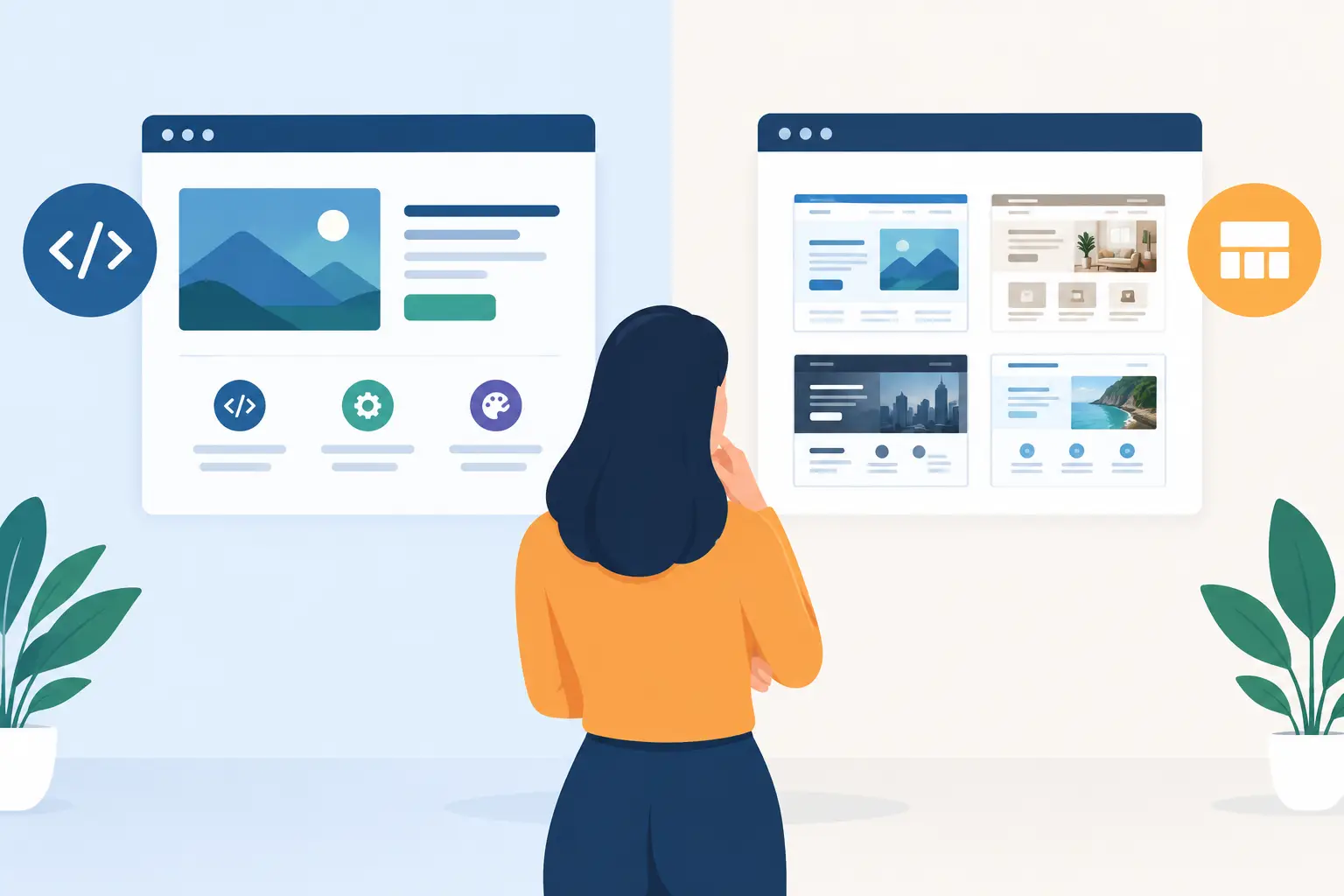
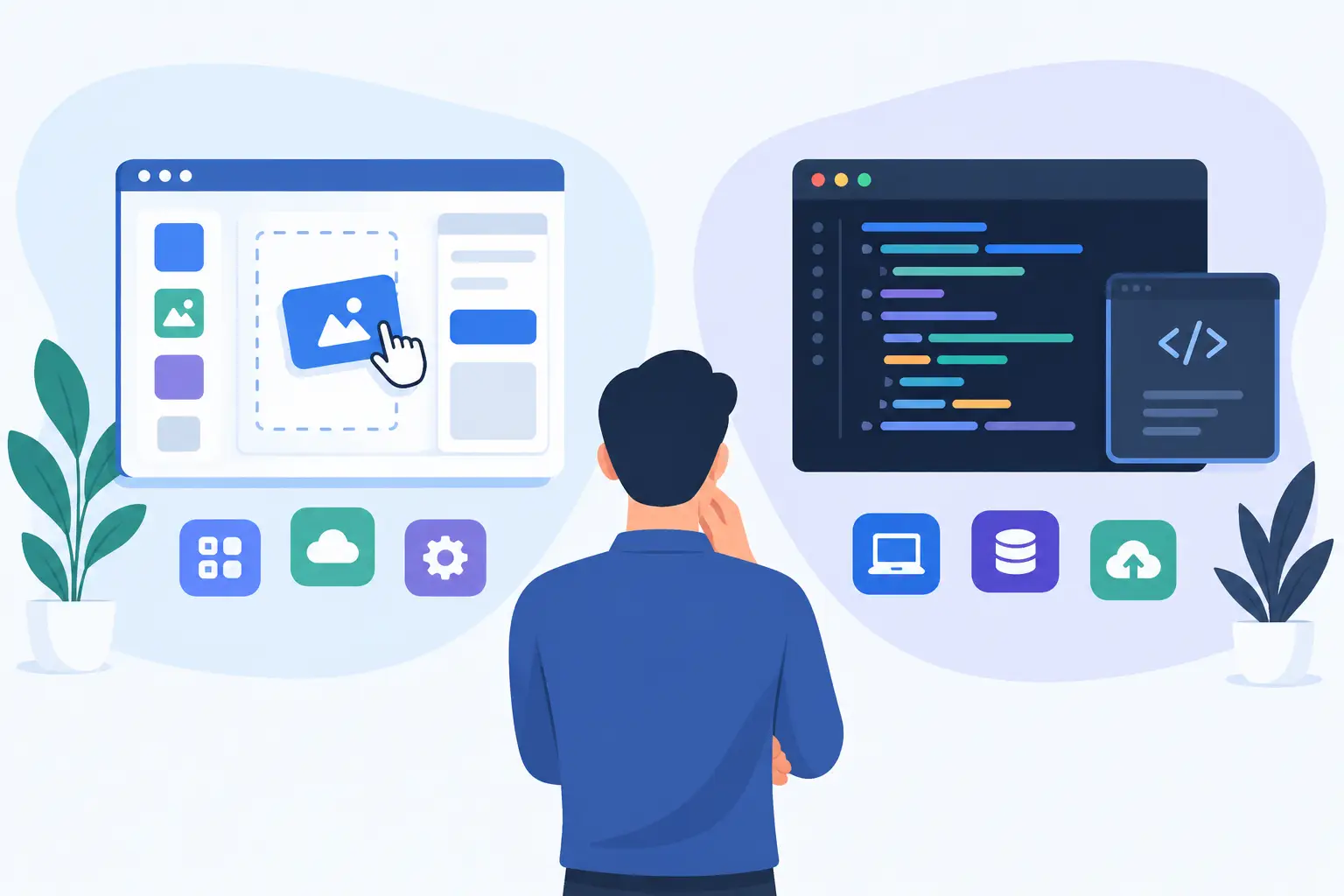
No-code platforms let you build websites, databases, forms, customer areas and automations using visual tools rather than writing every part of the code. They can connect common services quickly, from payment providers and email platforms to spreadsheets and CRM systems. For a simple process, that speed is valuable.
Custom software is designed and developed around your specific requirements. That could mean an internal dashboard connected to your existing systems, a browser extension for a specialist workflow, or a SaaS product with user accounts, subscriptions, reporting and permissions. The interface, data model and integrations are built to suit the job rather than adapted around a platform’s limits.
The distinction is not simply visual builder versus code. A well-planned custom build may use managed services such as Supabase for authentication and databases, Stripe for billing, or Google APIs for data and calendar connections. The difference is control. The product is assembled around your operational needs, with the freedom to extend it as those needs change.
When No-Code Is the Right Choice
No-code is usually strongest where the problem is understood, contained and unlikely to need unusual behaviour. A local service business might need a landing page, booking form and enquiry automation. A startup team may need a clickable prototype to test whether customers understand the offer. An operations team may need a simple internal tracker without asking developers to build a full application.
In these cases, no-code can shorten the distance between idea and feedback. You can validate whether people will use a tool before committing to a larger build. It is also useful when a workflow follows standard patterns: collecting form submissions, sending notifications, assigning tasks or displaying basic records.
The trade-off is that you are working within someone else’s product decisions. The platform determines how data is stored, which permissions are available, what integrations exist and how far the interface can be tailored. Those limits may not matter at first. They matter once a workaround becomes part of an employee’s daily routine or a customer’s experience.
No-code costs can also look lower than they are. Monthly platform fees, premium plugins, automation usage and consultant time can build up. If a business relies on several connected tools, a minor change can require updates across all of them. That is manageable for a lightweight system. It becomes less appealing when the system handles orders, client records or core delivery processes.
When Custom Software Pays Off
Custom software makes sense when the process itself gives your business an advantage, or when off-the-shelf tools force too many compromises. If your team spends hours copying information between systems, reconciling data, answering the same customer queries or working around a generic platform, a tailored tool can remove that friction properly.
It is particularly worthwhile when you need a combination of requirements that no-code platforms do not handle cleanly. For example, a customer portal may need different access levels, document generation, account-specific pricing, Stripe subscriptions and a connection to an existing database. A browser extension may need to read information from a web page, apply business rules and send results to an internal API. These are production requirements, not just a collection of screens.
A custom build also gives you more control over performance, security and ownership. You can decide where data sits, how users authenticate, which events are tracked and how the system behaves when an external service is unavailable. That does not mean every product needs a fully bespoke stack from day one. It means the architecture can be chosen deliberately, with room for future features rather than a growing pile of workarounds.
The upfront investment is higher, and the planning needs to be sharper. A custom project should begin with clear priorities, not a wish list of every feature that might be useful one day. The best first release focuses on the valuable workflow, establishes a sound technical base and gives real users something useful to work with.
Compare the Costs Beyond the First Month
The most useful comparison is total cost of ownership, not just the first invoice. No-code can be cheaper to start because the platform has already solved common technical problems. Custom software costs more initially because the product is designed, built, tested and deployed for your requirements.
Over time, the balance can shift. Consider the staff time spent fixing exceptions, exporting data, checking errors and manually joining information from separate systems. Consider whether platform pricing rises with users, records or automation volume. Consider what happens if a critical feature is removed, an integration changes, or you need a capability the platform does not support.
For a revenue-generating SaaS product, the customer experience deserves particular weight. Slow pages, confusing account management or unreliable billing can affect retention directly. Building a focused custom application may cost more than configuring a template, but it can give you the control needed to improve conversion, support and product direction.
Custom software has its own ongoing responsibilities. It needs hosting, monitoring, updates and occasional maintenance. Good delivery includes planning for these from the start: sensible deployment, backups, error tracking, analytics and documented access to key services. A product should not become difficult to operate the moment it goes live.
Questions to Ask Before You Build
Start with the workflow rather than the technology. What triggers the process? Who uses it? What information moves between people or systems? Where are mistakes, delays or duplicated effort happening now? Clear answers often reveal whether you need a lightweight automation, a polished marketing site or a purpose-built application.
Then test the importance of flexibility. If you changed your pricing model, user roles or service process next year, would the chosen platform support it? If it would not, how difficult would migration be? A temporary tool can be the right decision, provided you treat it as temporary and avoid placing too much business-critical data or logic inside it.
It also helps to separate your must-haves from future ideas. A founder building an early SaaS product may only need sign-up, a core action, saved results and billing. A version-one build does not need every reporting view, team feature or complex permission setting. Choosing a narrower scope is often what makes custom development viable and fast enough to learn from real customers.
Finally, assess the cost of getting it wrong. If the tool is used once a month by a small team, no-code may be the practical answer. If it processes payments, stores sensitive client information, supports hundreds of users or sits at the centre of delivery, investing in proper design and engineering becomes easier to justify.
A Sensible Middle Ground
The choice is not always absolute. Many successful products use no-code for marketing experiments, content workflows or early operational processes, while custom software handles the part that differentiates the business. You might validate demand with a landing page and manual fulfilment, then build the customer portal once the offer is proven. You might keep a simple automation for internal notifications while developing a custom dashboard for the data your team relies on.
This approach works best when there is a plan for handover points. Know which data needs to remain portable, which third-party services are suitable for the long term and when a temporary workaround has become a source of risk. Building in stages is not cutting corners when each stage has a clear purpose.
The right route should make your next decision easier, not lock your business into an awkward process. Start with the value you need to deliver, choose the smallest dependable solution that supports it, and invest in custom software when the workflow becomes too important to leave to compromise.