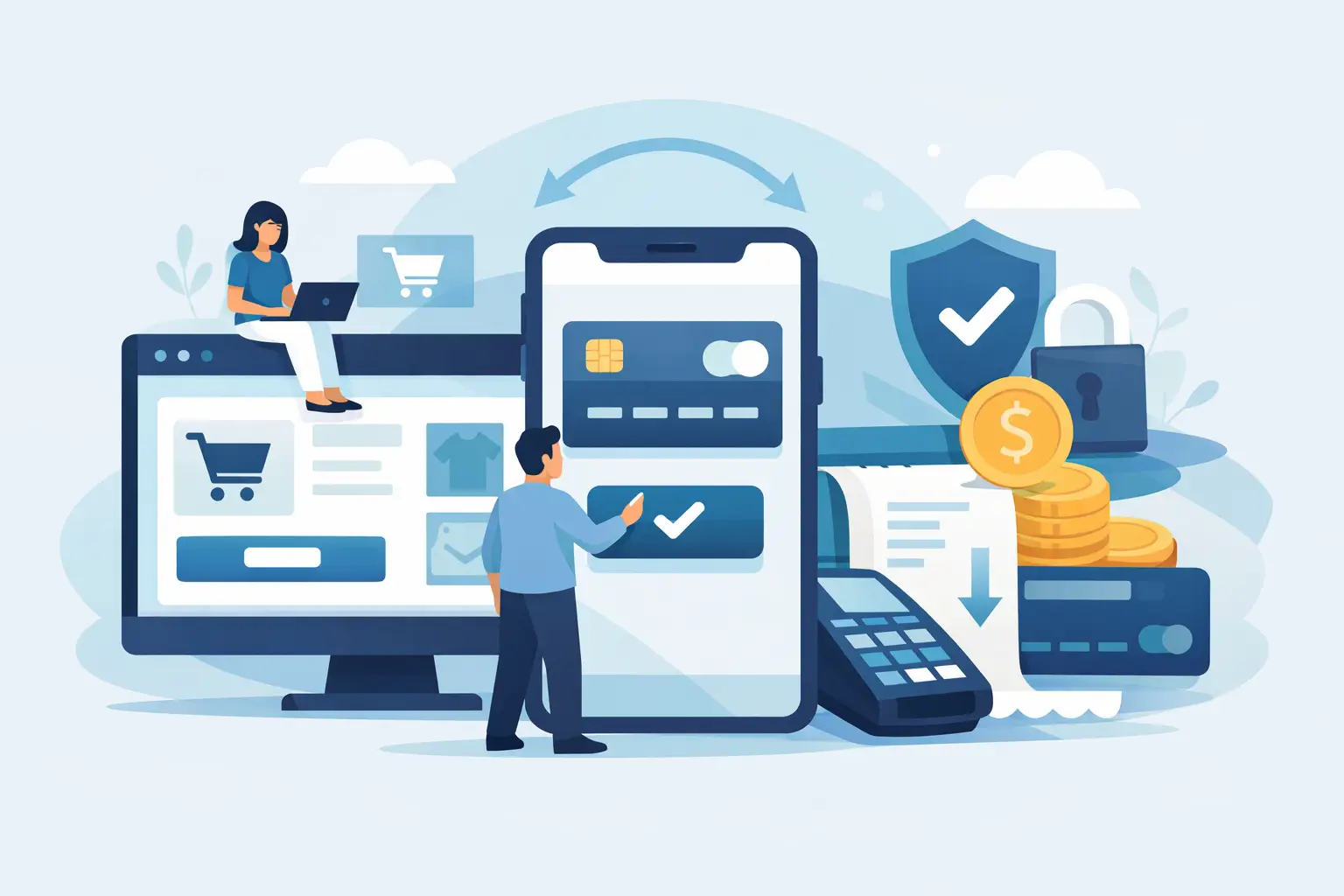
A payment button can look like a small feature. In practice, when you integrate online payments, you are connecting your website to real customer data, money, fulfilment and support processes. Get the flow right and customers can buy with confidence. Get it wrong and you may be chasing failed orders, answering avoidable billing queries or losing sales at the final step.
For a service business, that may mean taking deposits before a booking. For a SaaS product, it could mean recurring subscriptions, account access and failed-payment recovery. For an online retailer, it means stock, delivery and refunds need to stay aligned with each completed order. The technical approach should match the commercial model, not just add a card form to a page.
Start with the payment journey, not the provider
Before choosing Stripe or any other payment platform, map what happens from the moment a customer clicks “pay” to the moment they receive the product or service. This quickly exposes decisions that affect both the build and the customer experience.
Will customers make one-off payments, pay a deposit, purchase a fixed package or start a monthly subscription? Do they need to create an account before paying, or should checkout work as a guest? Is payment confirmation enough to trigger fulfilment, or does someone need to review the order first? These details determine the right architecture.
A consultant taking a £150 booking fee has different requirements from a SaaS platform charging £29 per month. The former may need a simple hosted checkout and a booking confirmation. The latter needs plans, trials, upgrades, billing records, account permissions and a way to handle overdue invoices without cutting off access too early.
It also helps to decide what the customer should see at each stage. A clear price, what is included, whether VAT applies, the renewal terms for subscriptions and an obvious receipt reduce support work later. The checkout is part of the product experience, so it should feel considered rather than bolted on.
Choose the right way to integrate online payments
For many businesses, a hosted checkout page is the fastest and safest starting point. The customer is sent to a provider-managed payment page, enters their details there and returns to your website afterwards. It is quick to launch, works well on mobile and reduces the amount of sensitive payment handling within your own application.
For a more tailored product, payment elements embedded within your website can make sense. This gives greater control over branding, layout and the wider account journey. It is useful when checkout is one step within a customer portal, membership area or multi-stage onboarding flow. The trade-off is more development, more testing and more responsibility for edge cases.
Stripe is often a strong fit for custom websites and SaaS products because it supports one-off payments, subscriptions, invoices, customer records, payment links and wallet payments through a well-documented API. But the best option still depends on where the business operates, which currencies it accepts, the payment methods customers expect and how much control the product actually needs.
Avoid collecting card numbers directly on your server. Use the provider’s secure checkout components or hosted pages instead. That keeps card data away from your application and reduces the compliance burden. Payment security is not a feature to improvise.
Build around confirmed events, not success pages
One of the most common mistakes is treating the page a customer sees after checkout as proof that payment succeeded. A customer can close the browser, lose their connection or return to that page more than once. A successful-looking redirect is useful for reassurance, but it is not a reliable system event.
The reliable source of truth is a webhook. This is a secure message sent from the payment provider to your application when an event occurs, such as a payment completing, a subscription renewing, an invoice failing or a refund being issued.
Your application should verify the webhook signature, record the event and then update the relevant order, booking or customer account. If a SaaS subscription is active, access can be enabled. If a deposit has been paid, the booking can move from pending to confirmed. If a payment fails, the customer can be prompted to update their payment method instead of being left in an unclear state.
Webhook handling needs care. Events can arrive more than once, out of order or after a short delay. A production-grade build stores provider IDs, makes updates idempotent and keeps useful logs for diagnosing failures. Idempotent simply means the same event can be processed again without creating duplicate orders, duplicate emails or duplicate access records.
Plan for billing operations from day one
The first successful payment is only part of the job. Businesses also need to manage cancellations, refunds, failed payments, receipts, customer queries and changes to pricing. These are normal operating conditions, not exceptions.
For subscriptions, define what happens when a card payment fails. A sensible approach may include a short grace period, automated retry attempts and clear emails asking the customer to update their details. Immediate account removal can create frustration, while unlimited access after repeated failures creates a different problem. The right balance depends on the service and customer relationship.
Pricing changes need similar thought. Existing subscribers may remain on a legacy plan, move at their next renewal or be given notice before a new rate takes effect. The policy should be clear in the product and reflected accurately in the billing setup.
If you sell to UK customers, make sure your checkout and invoices handle VAT correctly where applicable. If you sell internationally, currency display, tax rules and invoice requirements become more involved. A payment provider can help calculate and collect certain taxes, but it does not replace proper accounting advice for your specific business.
Keep the customer experience clear and reassuring
People abandon checkout when they are uncertain about the price, the next step or whether a payment has gone through. Good payment UX is usually straightforward: show the total before payment, explain recurring charges clearly, support familiar payment methods where appropriate and confirm what happens next.
A strong confirmation page should tell the customer whether the transaction is complete, what they have bought and when they will receive access, delivery or a follow-up. It should also provide a clear route to support for genuine issues. For subscriptions, the account area should show the current plan, renewal date and a sensible way to manage billing.
Do not rely on email alone for important status updates. Emails can land in spam folders or be mistyped. Store the payment and order status in the customer account where possible, while still sending a receipt or confirmation message.
Test the awkward cases before go-live
A payment flow that works once in a happy-path test is not ready for customers. Test successful card payments, declined cards, authentication challenges, cancelled checkouts, duplicate button clicks, delayed webhooks and attempted payments from different devices. If subscriptions are involved, test new sign-ups, renewals, cancellations, upgrades, downgrades and failed invoices.
It is also worth checking what happens if your database is temporarily unavailable when a webhook arrives. A good implementation can retry safely, alert the right person and reconcile events without manual guesswork. This matters more as order volume grows.
Before launch, make sure live API keys are used only in the live environment, webhook signing secrets are stored securely and payment logs do not expose personal or card-related data. Set up basic monitoring for failed webhook deliveries and unexpected payment errors. Small checks here can prevent a quiet revenue leak after launch.
Treat payment integration as part of the product build
The cleanest payment systems connect design, technical architecture and business operations. They make checkout feel on-brand, keep customer records accurate and give the business a dependable picture of who has paid for what.
For a simple site, that may be a focused Stripe Checkout integration with confirmation emails and a lightweight order record. For a SaaS product, it may involve Stripe, Supabase authentication, role-based access, webhooks, a billing portal and an internal dashboard for support. Both can be built with care, but they should not be scoped as the same job.
At Zak Furness, payment integrations are built as part of the wider website or web application, from the checkout interface through to the backend events and launch checks. The aim is not merely to accept a card payment, but to give the business a billing flow it can run confidently once customers start using it.
Start by defining the transaction your customers need to complete and the operational work that follows it. That gives you a payment system that supports the way your business actually sells, rather than one you need to work around later.