A website can look polished and still create work for your team. If enquiries arrive without the right details, pages are difficult to update, or customers drop off before paying, the issue is rarely just the visual design. Custom website development services are about building around the way your business actually sells, delivers and grows - not forcing those workflows into a generic template.
For a local service business, that may mean a fast site with clearer booking and enquiry journeys. For a SaaS operator, it may mean authentication, subscription billing, account areas and product analytics. For an established team, it could be a customer portal or internal dashboard that removes a spreadsheet-heavy process. The right scope depends on the problem, but the principle stays the same: build what earns its place.
When custom website development services make sense
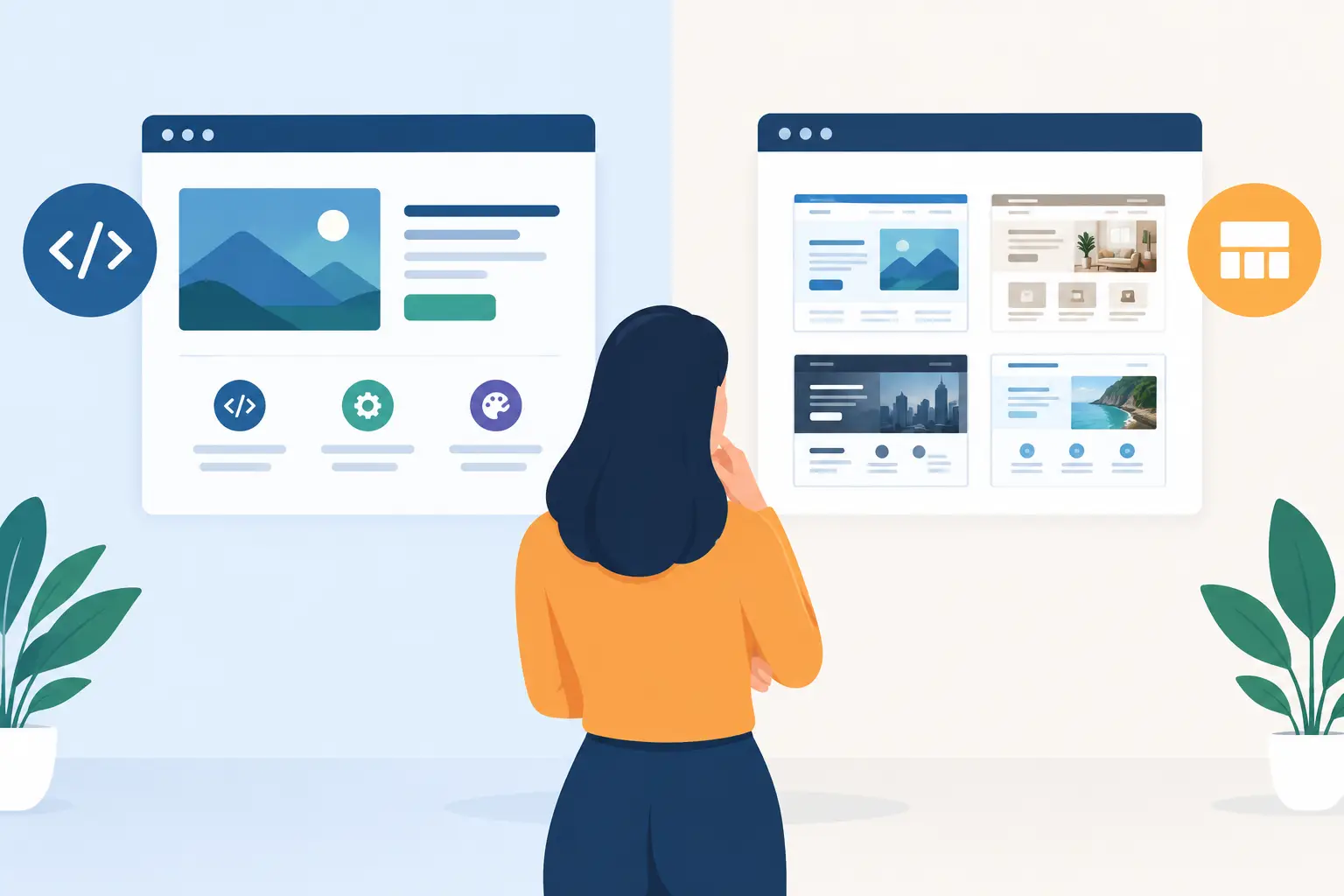
A template website is not automatically the wrong choice. For a simple brochure site with a tight budget and a small number of pages, a well-configured platform can get a business online quickly. It can be a sensible first step.
Custom work becomes more valuable when the website needs to do more than present information. Perhaps your enquiry process has several qualification steps. Perhaps your customers need to log in and view documents, orders or project updates. Perhaps you need Stripe payments, a Supabase database, Google APIs or another system to work together reliably. Those requirements are where off-the-shelf plugins often start to dictate the experience rather than support it.
A custom build also gives you control over performance and maintainability. Instead of loading a theme, page builder and a collection of plugins that each add their own overhead, the site can be designed around the features you genuinely need. That does not mean every project needs a fully bespoke content management system. It means choosing the simplest architecture that meets the job properly.
The business case should be clear. If a better website increases qualified enquiries, reduces admin, speeds up a customer task or enables a new paid product, the investment has a measurable purpose. If it only reproduces a five-page marketing site that already works, a lighter approach may be more appropriate.
Start with the workflow, not the homepage
The most effective projects begin with a few practical questions. What should a visitor do? What happens after they do it? Who handles the next step? Where does the information need to go? These questions expose the difference between a nice-looking site and a useful digital product.
Take a service enquiry form. A standard form may send an email to a shared inbox. A tailored flow can ask the few details needed to qualify the enquiry, route it to the right person, record it in a database or CRM, and send the visitor a clear next action. The form itself is not complicated. Designing it around the business process is the work that matters.
The same thinking applies to customer-facing tools. A portal should not simply put existing paperwork behind a login. It should reduce friction: show the right information, make common actions obvious and keep sensitive data protected. An internal tool should replace repetitive steps rather than create another system for staff to maintain.
Before design starts, it helps to define the project in terms of outcomes. A launch might need more consultation bookings, fewer manual invoice chases, self-service account access or a browser extension that puts a repeatable task directly into a team's daily workflow. These goals make decisions about pages, features and integrations far easier.
Design that supports the next action
Good visual design builds trust quickly, but it also directs attention. It establishes hierarchy, makes content easier to scan and gives visitors confidence about what happens next. That is particularly important for small businesses where the website may be a prospect's first meaningful interaction with the company.
A custom interface should reflect the brand without becoming decorative for its own sake. Clear typography, considered spacing, accessible contrast and purposeful calls to action are more useful than visual effects that slow the page down. On a product site, the design also needs to account for empty states, loading states, errors and the less glamorous parts of a real user journey.
Responsive behaviour needs attention from the beginning. Mobile visitors may be comparing providers, booking a call between jobs or checking an order status on the move. Desktop users may be completing a longer form, managing their account or using a dashboard. The experience should suit both contexts rather than treating mobile as a compressed desktop page.
What a production-ready build includes
The visible website is only one layer of the project. A build that is ready to operate after launch needs sensible foundations behind the scenes. This is where a combined design and development partner can be particularly useful: decisions about layout, content, data and behaviour are made together rather than passed between separate suppliers.
For a marketing website, the technical work may include a fast front end, structured content, image optimisation, redirects from an old site, cookie controls, analytics and conversion tracking. Caching and hosting configuration matter too. A page that looks excellent but takes too long to load can lose visitors before the message has a chance to land.
For web applications, the scope often extends to secure authentication, role-based access, database design, payment handling, transactional emails and error monitoring. A SaaS product may need Stripe subscriptions, trials, webhooks and a clear way to handle cancelled payments or failed renewals. These are operational details, not optional extras, because they affect real customers and revenue.
Integrations deserve the same care. Connecting to Google APIs, a CRM, a booking system or an internal database can save substantial admin time, but every connection adds dependencies. The build should account for missing data, API limits and what happens when a third-party service is temporarily unavailable. A good solution is not the one with the most integrations. It is the one that removes the most valuable friction without making the system difficult to run.
A clearer route from idea to go-live
Custom projects work best when the delivery process is visible. You should know what is being decided, what is being built and what needs your input at each stage. That keeps momentum up and prevents late surprises.
The first phase is usually discovery and scope. This turns an initial idea into a practical plan: user journeys, required pages or features, technical constraints, priorities and a phased approach where useful. For a startup, the first release may deliberately focus on the core paid workflow rather than every feature on the roadmap. Shipping a focused product gives you something real to test with customers.
Next comes interface direction and development. Rather than treating design as a static handover, screens and interactions should be considered alongside the technical implementation. This helps identify issues early, such as a checkout flow that needs a different data structure or a dashboard view that will be difficult to use with real-world volumes of information.
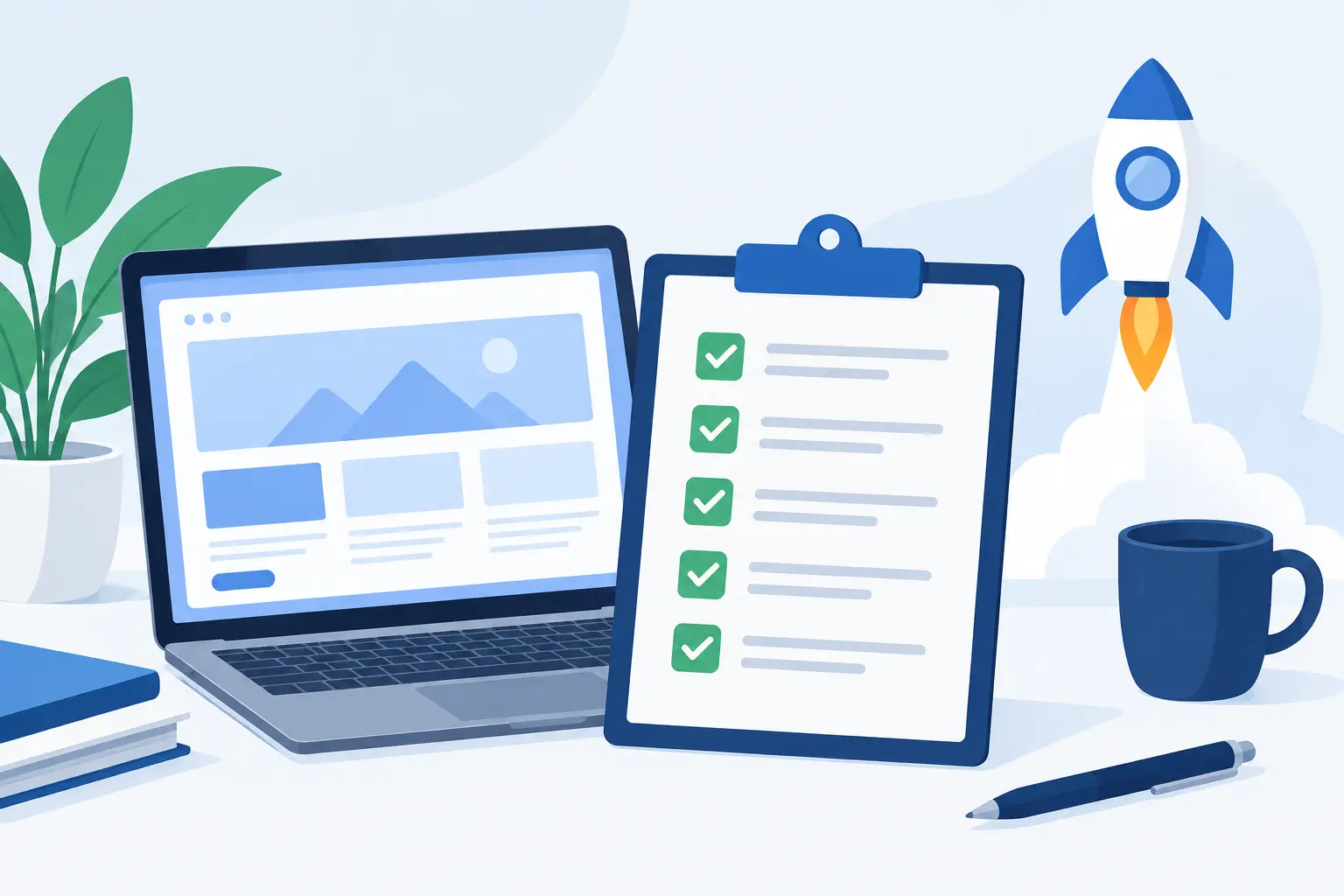
Testing and launch are not an afterthought. Forms, payments, permissions, responsive layouts, browser behaviour and tracking should be checked before go-live. Content needs a final review. If an existing site is being replaced, redirects and search visibility need to be handled carefully so useful pages do not disappear overnight.
After launch, the work shifts from building to learning. Analytics can show where visitors leave. Support requests can reveal confusing product areas. A team may find that one manual task remains. Small, informed iterations are often more valuable than a major redesign planned in isolation.
Choosing the right development partner
Ask to see work that resembles the kind of problem you are solving, not only attractive homepages. If you need a membership area, billing flow, browser extension or internal tool, experience with those types of systems matters. It is also worth asking who will handle the project day to day. Direct access to the person designing and building the work can make feedback quicker and decisions clearer.
Technical language should be explained in terms of trade-offs. A dependable partner will tell you when a simpler platform is enough, when a custom build is justified and what must be included before launch. They should also be clear about ownership, ongoing support and how future changes will be handled.
Zak Furness works across design, development, integrations and deployment, which is useful when a project needs one accountable partner from initial direction through to a working release. Whether the job is a fast marketing site, a customer portal or a browser-based tool, the aim is the same: create something well considered, maintainable and ready for real use.
The best next step is not to start by choosing a framework or filling a page with features. Write down the customer action or internal task that is currently costing time, money or opportunities. A focused brief built around that problem gives a custom website the best chance of becoming a useful part of the business, rather than another item to maintain.