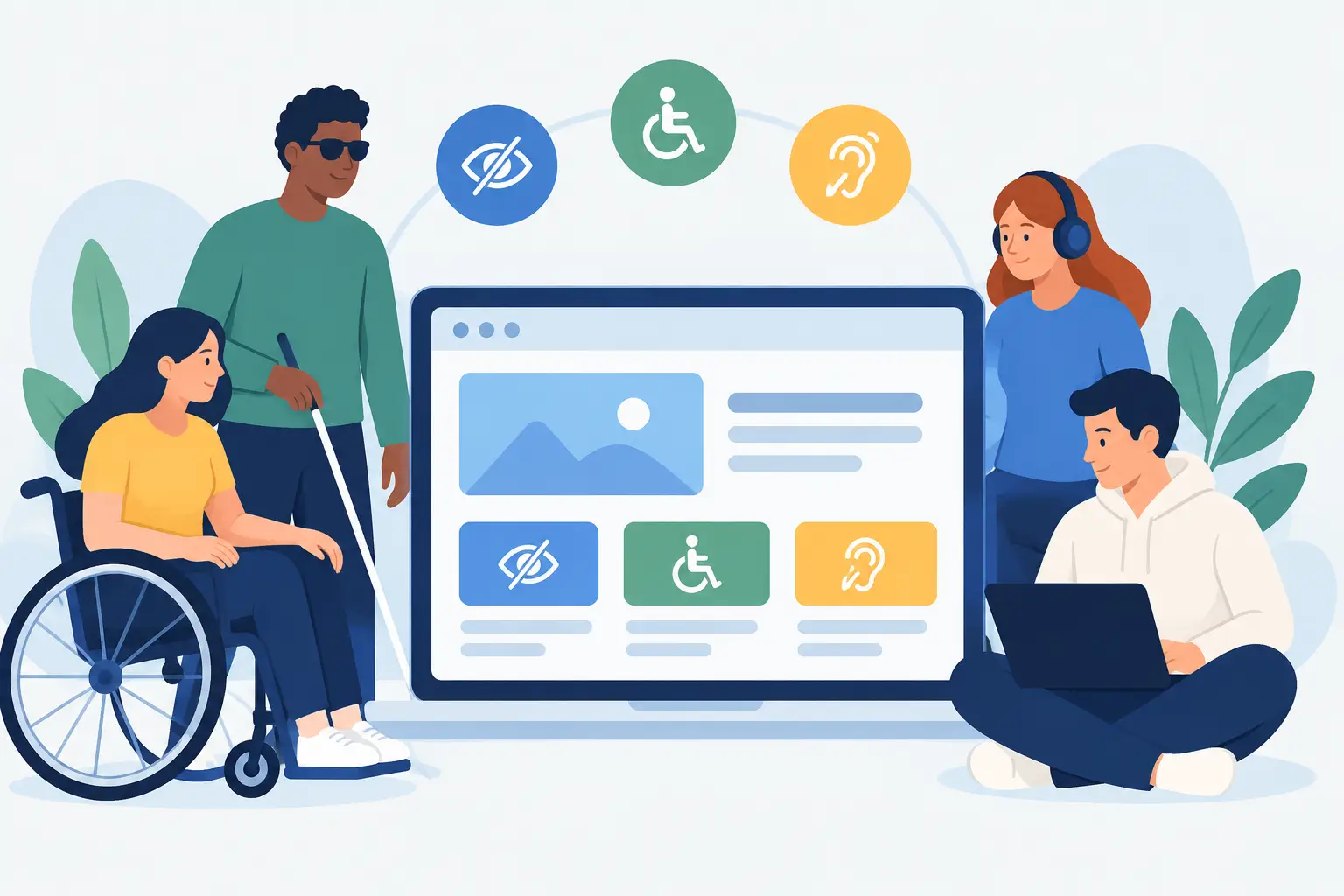
A potential customer should not need perfect vision, a steady mouse hand or the latest device to request a quote, book an appointment or pay for a service. Web accessibility is the practical work of making those journeys usable for more people, including disabled users, older users, people using mobile devices in poor conditions, and anyone temporarily dealing with an injury or distraction.
For a small business website, SaaS product or customer portal, this is not a decorative compliance exercise added at the end. It affects whether people can understand what you offer, complete a form, use account features and get support when something goes wrong. Good accessibility usually produces a clearer, faster and better organised product for everybody.
Why web accessibility belongs in the build
Accessibility has a legal dimension in the UK, particularly for public-sector services, but its commercial case is just as clear. If a visitor cannot read pale text, operate a menu with a keyboard, understand an error message or complete checkout with a screen reader, the business has created an unnecessary barrier at a critical point.
The cost of fixing these problems rises once a site is live. A colour-only validation state may look tidy in a design file, but it becomes a real issue when it is repeated across registration, billing and contact forms. A custom dropdown that cannot receive keyboard focus may need redesigning rather than simply patching. Building with accessibility in mind from the first wireframe avoids that rework.
It also keeps product decisions honest. Clear labels beat placeholder-only forms. Plain language beats vague buttons such as “Click here”. Logical page structure helps users scan a page, but it also helps search engines and makes content easier for a team to maintain. Accessibility and conversion are often working towards the same outcome: less uncertainty and less friction.
What accessible websites need to do
The Web Content Accessibility Guidelines, usually called WCAG, provide a useful framework. They are detailed, but the core expectations are straightforward: content should be perceivable, interfaces should be operable, information should be understandable, and the technical foundation should work reliably with assistive technology.
That does not mean every website needs the same solution. A five-page trades website, a subscription SaaS platform and a browser extension have different risks. The right level of work depends on the audience, the task complexity and the consequences of getting it wrong. But a sound baseline should be part of every production build.
Make content easy to perceive
Text must have enough contrast against its background. Brand colours can still lead the visual direction, but some combinations that look polished on a large desktop display become difficult to read outdoors, on lower-quality screens or for users with low vision. Contrast should be checked for standard text, larger text, buttons, form states and icons.
Information should not rely on colour alone. If a form field has an error, explain what needs fixing in text as well as showing a red border. If a chart uses several colours, use labels, patterns or values so the data remains understandable without distinguishing every shade.
Images need appropriate text alternatives. For a meaningful image, the alternative text should communicate its purpose in the context of the page. For a decorative flourish, it should be ignored by screen readers. These are different decisions, and treating every image as a keyword opportunity makes the experience worse, not better.
Video content needs the same care. Captions are useful for deaf and hard-of-hearing users, but they also help someone watching without sound on a train, in an office or late at night. Where speech contains important information, a transcript can be valuable too.
Ensure every task works by keyboard
Many people navigate without a mouse. They may use a keyboard, switch device, voice control or screen reader commands. If someone can see an interactive element but cannot reach it, open it or close it without a pointer, the feature is not accessible.
Keyboard testing catches common problems quickly. Starting at the address bar, use the Tab key to move through a page. The focus indicator should always be visible, the order should make sense, and it should be possible to operate menus, dialogs, accordions, tabs and forms. Pressing Escape should close a modal where appropriate and return focus to the control that opened it.
Custom interface components deserve particular attention. Native HTML controls have useful behaviour built in. Replacing a standard select field or button with a heavily styled component can be worthwhile for a product interface, but only when the same keyboard behaviour, labels and status updates are properly implemented. A familiar pattern is often the better engineering choice.
Give forms, errors and feedback real clarity
Forms are where accessibility becomes directly tied to revenue and operations. A contact form, booking flow, payment screen or onboarding process needs visible labels, clear instructions and helpful error handling.
Every input should have an associated label. Placeholder text disappears when a user starts typing and is not a replacement for a label. Required fields should be identified consistently, and input requirements should be explained before submission where possible. For example, tell users the required password format rather than waiting to reject it.
When validation fails, do not simply highlight the affected field. Provide a short error summary, state the problem in plain language and move users towards the fix. “Enter a valid UK mobile number” is more useful than “Invalid input”. For longer workflows, preserve what a user has already entered so they do not have to start again.
Build on semantic HTML before adding complexity
Semantic HTML is one of the highest-value accessibility decisions in a web build. Proper headings, buttons, form controls, lists, tables and landmarks give browsers and assistive technologies meaningful structure without extra code.
A heading hierarchy should describe the page, not just create a particular font size. A button should trigger an action. A link should take someone somewhere. These distinctions matter to screen reader users and keyboard users, but they also make code easier to reason about when a product grows.
ARIA attributes can add useful context to complex components, particularly in dashboards and app interfaces. They are not a substitute for sound markup. Adding ARIA roles to a non-semantic element does not automatically recreate the behaviour of a native control. In many cases, simpler HTML is more dependable and easier to test.
A practical delivery process for accessible products
Accessibility works best when it is handled across design, development and quality assurance rather than assigned to one final audit. At the design stage, establish type sizes, colour pairings, focus styles and component states before screens multiply. During development, use semantic components as the default and test interaction patterns as they are built.
Automated checks are helpful, especially in a modern workflow using tools such as Lighthouse, axe or automated tests in a deployment pipeline. They can identify missing labels, contrast failures and invalid markup quickly. They cannot judge whether a button label makes sense, whether a form is frustrating, or whether focus moves logically through a custom interface.
Manual testing closes that gap. Keyboard testing should be routine. Testing key journeys with a screen reader adds another useful perspective, particularly for sign-up, account management, checkout and internal tools. If a product serves a defined user group with higher accessibility needs, involving real users in testing is the most valuable step of all.
For existing sites, begin with the journeys that matter most: contacting the business, booking, purchasing, logging in, changing account details and getting help. Fixing these routes first has a greater impact than polishing a low-traffic page. Then turn the findings into reusable components and content rules, so the same problem is not reintroduced in the next update.
Accessibility is ongoing product care
A site can launch in good shape and become harder to use over time. New landing pages may introduce low-contrast campaign graphics. A third-party booking widget may behave differently after an update. An editor may add a heading purely for visual emphasis. Accessibility needs light but regular attention, just like performance, analytics and security.
For clients building custom websites, SaaS products or browser extensions, the useful question is not “Can we add accessibility later?” It is “What would stop a real customer from completing the task today?” Start there, make the fix part of the system, and keep that standard in every release. Built with care, an accessible product gives more people a fair chance to use what you have made.