
Webflow vs Custom Code for Your Next Build
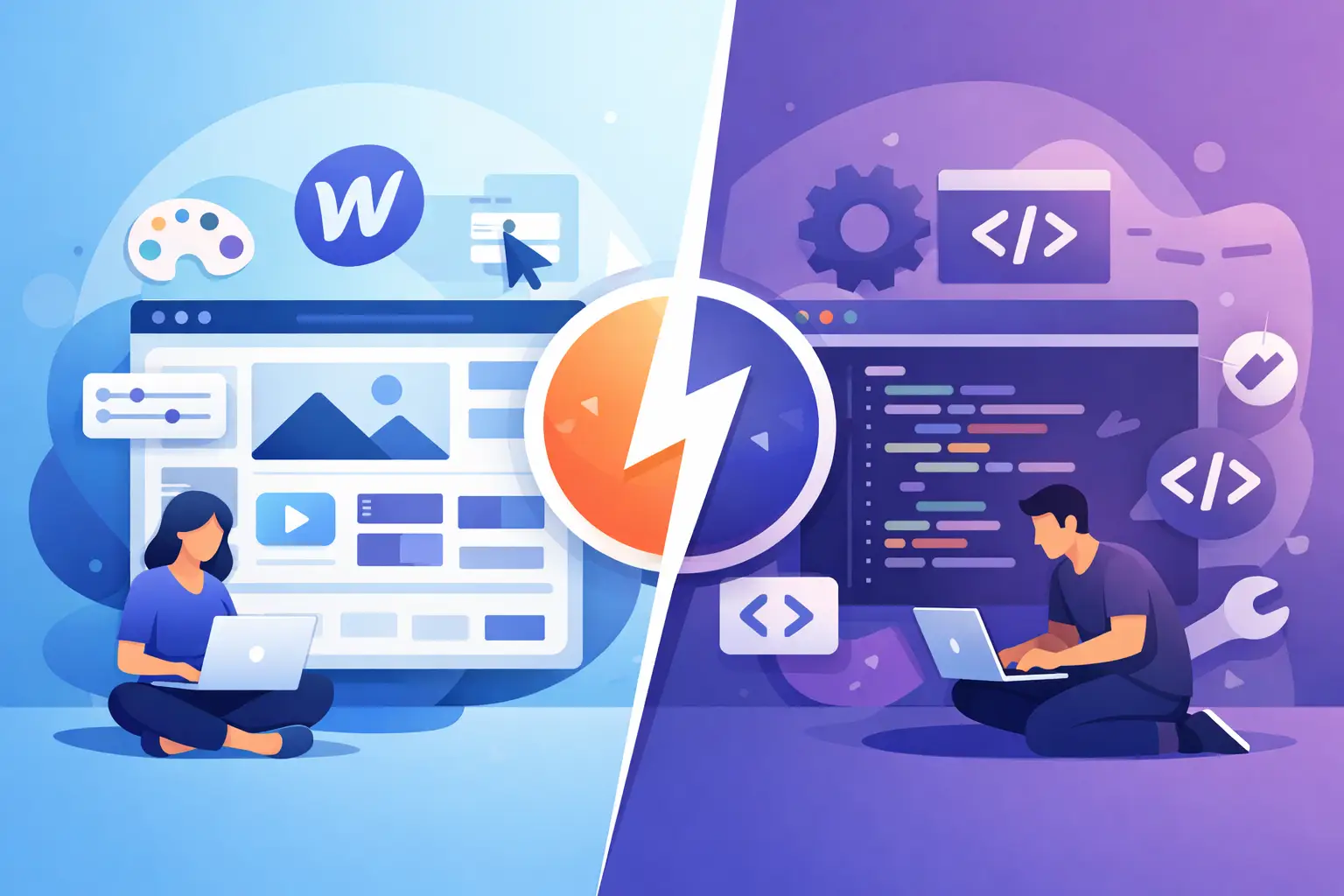
A polished website that takes months to launch is rarely a win. Equally, a quick build that cannot support your sales process, integrations or next product feature becomes expensive fast. Webflow vs custom code is not really a question of which platform is better. It is a decision about what the site needs to do now, what it will need to do next, and where your budget creates the most value.
For many small businesses, Webflow is a smart route to a fast, well-designed marketing site. For SaaS products, customer portals, internal tools and websites with specific workflows, custom development usually gives you the control needed to build properly from the outset. The right answer can also be a combination of both.
What Webflow does well
Webflow is a visual website platform that gives designers and developers strong control over layout, responsive behaviour, animations and content structure without writing every part of the front end from scratch. It is particularly effective for brochure sites, service businesses, portfolios, landing pages and content-led marketing websites.
The main advantage is speed. A clear brand direction, a sensible page structure and good content can become a professional site far more quickly than a fully bespoke build. Marketing teams can also update copy, publish case studies, add team members or create new CMS entries without relying on a developer for every change.
That matters when the website's job is to explain a service, generate enquiries and build credibility. A local business may need location pages, a contact form, testimonials, analytics and a fast mobile experience. A startup might need a launch site that can test positioning before a product is ready. Webflow handles this kind of work well when the scope is clear.
It can also produce excellent design results. The platform should not be confused with a basic template builder. With care, Webflow sites can be distinctive, accessible and faithful to a brand system. The difference comes from the design thinking behind the build, not simply the tool selected.
Where Webflow starts to strain
Webflow is still a platform with conventions and limits. Those limits are not a problem for every project, but they become relevant once a website needs to behave more like software.
Custom user accounts, role-based permissions, complex dashboards, subscription logic, real-time data, bespoke quoting systems and deep third-party integrations all require more than a standard CMS site. Some can be achieved with tools around Webflow, but each extra service adds another dependency, another monthly cost and another point to maintain.
A simple example is a members-only resource area. If users only need to access a small set of protected pages, a no-code membership setup may be enough. If each user needs personalised records, document uploads, billing status, account roles and data pulled from an internal system, the project is better treated as a web application.
The same applies to automation. Sending a form submission to an inbox is straightforward. Validating data, creating records in Supabase, notifying the right team member, generating a Stripe checkout session and showing a user their live account status is a product workflow. It deserves proper architecture rather than a chain of workarounds.
Webflow vs custom code: the practical differences
Custom code means the site or application is built around the requirements rather than around a platform's available features. That might involve a modern front end, a database, an API layer, authentication, payment handling and hosting configured for the product. It takes longer to plan and build, but it makes complex requirements possible without forcing them into an unsuitable system.
The trade-off is not simply speed versus flexibility. It is ownership of the technical decisions. With custom development, the content model, performance approach, integrations and user journeys can all be designed for the business. A SaaS operator can connect Stripe for subscriptions, Supabase for data and authentication, Google APIs for operational tasks, and a tailored admin area for the team.
That does not mean every custom build needs a large, expensive technical stack. A well-scoped app can start lean. The important point is to use the right level of engineering for the risk and complexity involved. A booking calculator that affects sales enquiries needs reliable logic. A customer portal holding account data needs secure authentication and thoughtful permissions. A browser extension needs a different architecture again, including its connection to the web platform behind it.
Webflow, by contrast, reduces the amount of underlying engineering required for a standard site. That can lower upfront cost and shorten time to launch. The compromise is that unusual interactions, data relationships and integrations may need custom JavaScript, external tools or a redesign of the requirement itself.
Cost is more than the build quote
It is tempting to compare a Webflow project and a custom project purely by the initial price. That is useful, but incomplete. The more valuable comparison is the total cost over the next one to three years.
A Webflow marketing site may cost less to launch and be easier for a team to edit. It will also have platform and hosting costs, and potentially charges for supporting services if forms, memberships, search or automation become more advanced. None of this is automatically a concern. It just needs to be visible before the project begins.
A custom build generally has a higher initial cost because it includes technical planning, development, testing, deployment and support. It may save money later if it replaces manual administration, reduces software subscriptions or supports a workflow that directly generates revenue. For example, an internal dashboard that cuts several hours of repetitive work each week can justify its development cost far more clearly than an overly complex public website.
Maintenance should be considered too. Both routes need attention. Webflow needs content upkeep, occasional design improvements and checks when connected services change. Custom code needs dependency updates, monitoring, backups, security patches and a clear support plan. Good delivery includes these discussions before go-live, not after an issue appears.
Choose Webflow when the website is the product's shop window
Webflow is often the right choice when your primary need is a fast, high-quality site that communicates clearly and gives your team control over content. It suits businesses that need service pages, case studies, a blog, campaign landing pages and enquiry capture without building bespoke software.
It is also a sensible first step for founders validating an idea. A focused launch site can establish the brand, collect leads and test demand while the underlying product is still being shaped. There is little value in building a complex application before you know which problem, audience and message are gaining traction.
The key is not to overload it. Keep the site focused on marketing, content and conversion. If a feature starts to require multiple external tools and fragile custom scripts, pause and assess whether it belongs in a proper application instead.
Choose custom code when the workflow is the value
Custom development makes sense when the digital experience itself is central to how the business operates. That includes SaaS products, client portals, internal systems, subscription services, marketplace features, browser extensions and tools that need to work with your existing data.
It is especially valuable when users need different permissions, when actions trigger several systems, or when the business has a process that generic software does not handle well. The goal is not to build custom code for its own sake. It is to remove friction from an important workflow without creating a maintenance burden that outweighs the benefit.
A production-grade build should cover more than screens and buttons. It should account for authentication, validation, error handling, loading states, billing, data protection, analytics, caching and deployment. These details are what turn an attractive prototype into something people can rely on.
A hybrid route is often the sensible answer
Many growing businesses do not need to choose one approach forever. A Webflow site can handle the public-facing marketing experience while a custom application powers the account area, dashboard or internal system. The two can share a visual language while each uses the technology suited to its job.
This approach keeps campaign pages and editorial content easy to manage, while giving the product side room to grow. It also avoids trying to make a CMS behave like a database-driven application.
The important technical consideration is how the systems connect. Navigation, authentication hand-offs, analytics, forms and branding should feel deliberate to the user. A hybrid build should not feel like two unrelated products joined together at the last minute.
Start with the business problem, not the platform
Before choosing a route, define what success looks like six months after launch. Is the goal more qualified enquiries, faster content publishing, fewer manual tasks, paid subscriptions or a usable first version of a new product? That answer will usually point towards the right level of build.
A useful starting point is to separate what visitors need to see from what users or staff need to do. If the first is the priority, Webflow may be the efficient choice. If the second involves data, rules, accounts and repeatable workflows, custom code is likely the more dependable investment.
The best build is not the most complicated one. It is the one that gives your business a credible launch now, a clear path for change later and technology that earns its place in the operation.