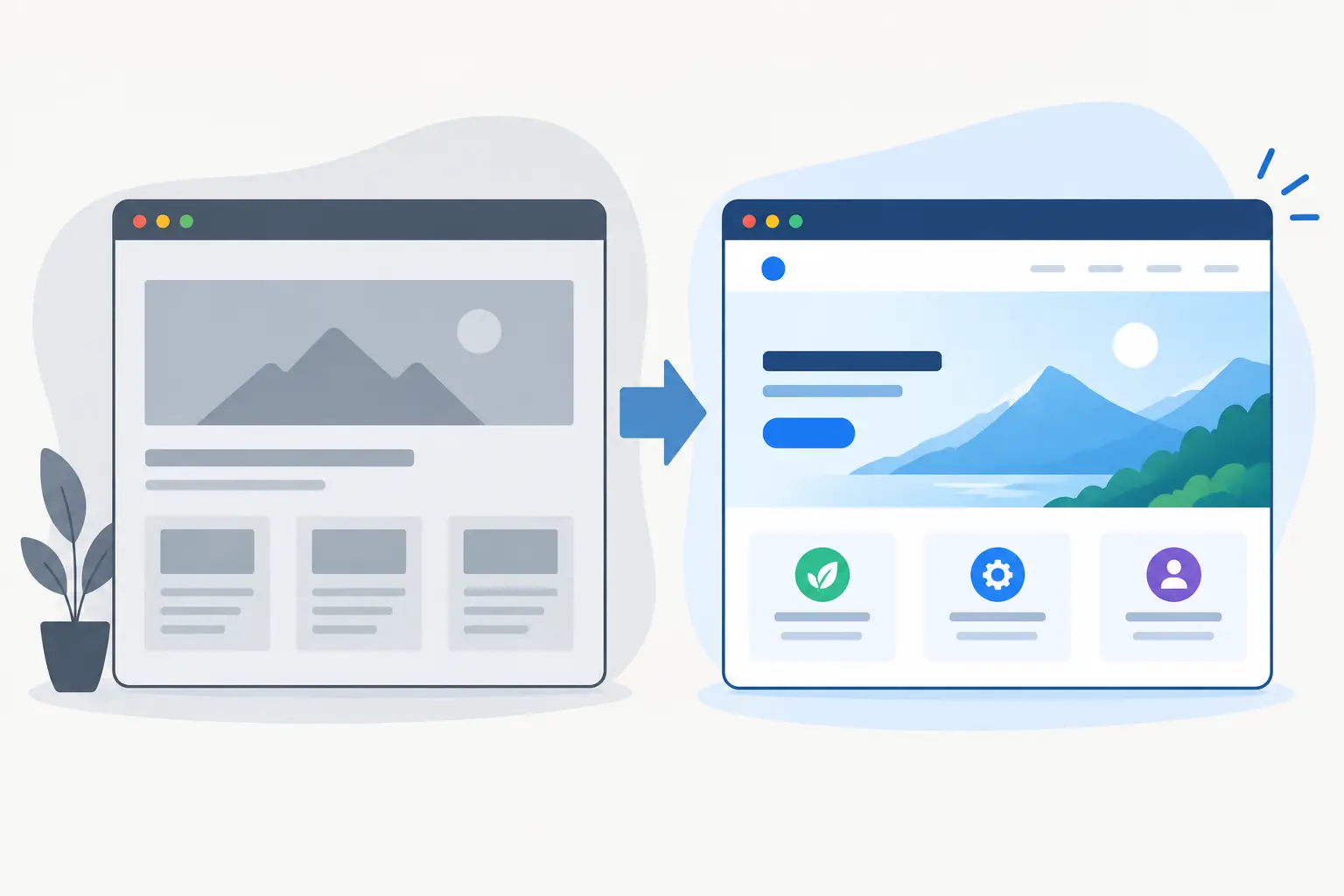
A spreadsheet used as a booking system. Customer details copied between a CRM and an invoice template. A manager answering the same status question in Slack every afternoon. These are usually the first signs that internal tools for teams would save more time than another off-the-shelf subscription.
The right internal system does not need to be a huge enterprise platform. It can be a focused web app, dashboard, customer portal, browser extension or automation layer that removes friction from one valuable process. The aim is simple: give people accurate information and a clear next action without making them hunt through tabs, emails and disconnected documents.
What internal tools for teams should do
An internal tool should support the way your business actually operates, not force the team into a generic workflow designed for thousands of unrelated companies. A small service business may need a job tracker that combines enquiries, scheduling, documents and payment status. A SaaS operator may need a support dashboard that brings together Stripe data, account details and product usage. A sales team might benefit from a browser extension that adds useful context directly inside the CRM.
The common thread is operational clarity. Good tools create one dependable place for a process that currently lives across spreadsheets, inboxes and individual memory.
That does not mean every process deserves custom software. If a standard tool already fits the job and the team uses it well, keep it. Custom development makes sense where the work is repetitive, mistakes are costly, or staff are constantly working around limitations in their existing software.
Start with the costly bottleneck
The best project rarely begins with “we need a dashboard”. It begins with a specific point of waste. Perhaps a coordinator spends two hours each morning reconciling bookings. Perhaps sales staff cannot see whether a prospect is already a customer. Perhaps someone has to manually produce weekly figures from three systems.
Define the problem in practical terms: who does the task, how often it happens, what information they need, and what goes wrong today. This gives the project a useful measure of success. A tool that saves ten minutes once a month is different from one that prevents daily billing errors or shortens customer response times.
It also keeps the first release focused. Teams often have a long wish list, but the most effective internal products solve one core workflow properly before expanding into adjacent features.
Build around real workflows, not feature lists
A feature list can make a project sound complete while leaving the real work unresolved. “User accounts, reports, filters and notifications” says little about how a staff member gets from a new enquiry to a completed job.
Map the workflow instead. Identify the trigger, the information collected, the decisions made, the handovers involved and the final outcome. Then design screens around those moments. A dispatcher may need a fast queue view and an obvious way to assign work. A director may only need a concise dashboard with exceptions and trends. An administrator may need controls for records, permissions and exports.
This is where design matters as much as engineering. Internal software is often used under time pressure, by people who have not chosen the system and may not be technical. Clear labels, sensible defaults, useful empty states and a layout that reflects the task can make adoption far easier.
Give each person the right view
Not everyone needs access to everything. Roles and permissions should reflect responsibilities, particularly where customer data, payments or confidential commercial information is involved. A team member may update a job but not amend pricing. A finance user may see invoice status without access to private operational notes.
Role-based access also reduces clutter. A simpler interface is faster to learn and less likely to create mistakes. This is especially useful as a business grows and processes become less dependent on one or two people knowing where everything is stored.
Connect the systems you already rely on
Most businesses do not need to replace their CRM, accounting package or payment provider. They need a better operational layer between them.
A custom internal tool can connect with Stripe for subscriptions and payment status, Supabase for authentication and data storage, Google APIs for calendars, sheets or email, and other platforms through APIs or webhooks. The value is not the integration itself. It is what happens after the data arrives: automatic task creation, an accurate customer view, a flagged exception, or a report that no longer takes half a day to prepare.
For example, a customer success team may need to see recent support activity, subscription state and product usage in one screen before replying to an account. Pulling that information together can improve the quality and speed of the response without asking staff to sign into several platforms.
There are trade-offs. Every integration adds dependencies, data rules and maintenance requirements. It is worth deciding which system is the source of truth for each piece of data and how conflicts should be handled. A polished interface cannot compensate for unreliable data underneath it.
Browser extensions can remove tab switching
For teams that work inside a browser-based platform all day, a browser extension can be a particularly practical option. Instead of asking someone to open a separate app, the tool appears where the work already happens.
An extension could show internal account notes beside a CRM record, validate data before a form is submitted, generate a document from a template, or help a support team apply consistent actions. Chrome, Edge and Firefox extensions need thoughtful permission handling and careful testing, but they can remove small points of friction that add up across a busy week.
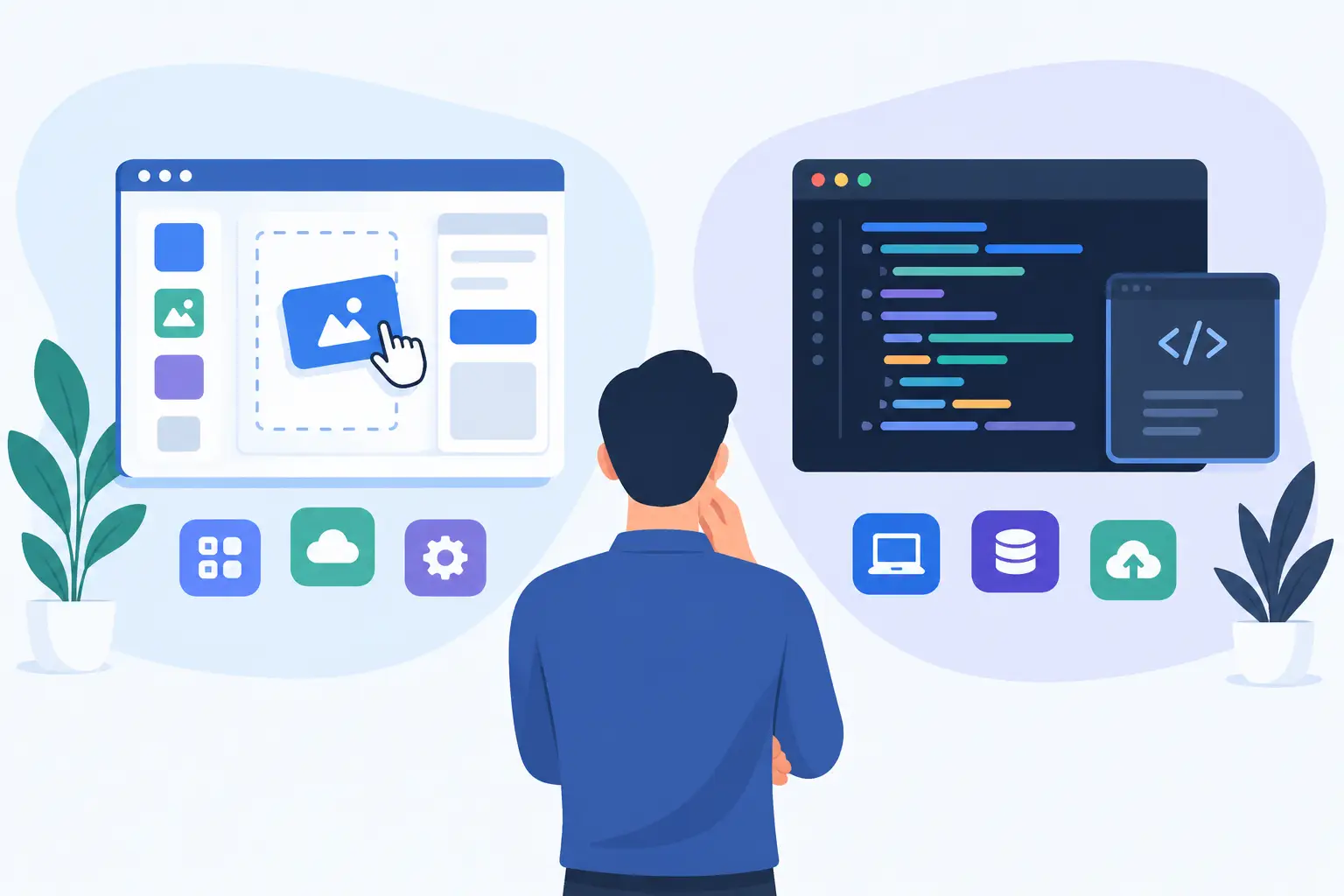
Choose the right level of custom build
There is a wide gap between a basic internal dashboard and a fully tailored operational platform. The right answer depends on the process, the number of users and the cost of getting it wrong.
A lightweight tool may use a straightforward web interface, secure login, a small data model and a few targeted integrations. This is often enough for an initial version that proves the workflow. A more complex product may need audit trails, detailed permissions, queues, reporting, notifications, automated billing or customer-facing access.
Building in stages is usually the sensible route. Start with the process causing the most pain, put it in front of the people who do the work, and improve it using real feedback. This keeps the budget tied to outcomes rather than speculative features.
It is also worth considering ownership early. You should know where the code is hosted, how credentials are managed, who can access production data, and what happens if an integration changes. Production-grade web apps need a clear deployment process, error monitoring, backups where appropriate and a plan for support after go-live.
What a well-delivered project looks like
A useful internal tool is not just a set of screens handed over at the end. It needs clear decisions from discovery through launch.
The work should begin by reviewing the current process and agreeing what success looks like. From there, the interface and data flow can be planned, followed by development, integrations and testing with realistic scenarios. Before launch, test permissions, edge cases, imports, notifications and the awkward steps that only appear in day-to-day use.
After go-live, watch how the team uses it. The most valuable changes often become obvious once a system is handling real records and real deadlines. Maybe a dashboard needs one extra filter. Maybe an automated reminder needs a delay. Maybe a field that looked useful in planning is never touched and should disappear.
Zak Furness builds internal web tools, dashboards, automation systems and browser extensions with this end-to-end approach: clear UI, practical architecture, integrations that serve the workflow, and support through deployment.
The most worthwhile internal tool is often not the most ambitious one. It is the one that removes a daily annoyance so completely that the team stops noticing the work it used to create.